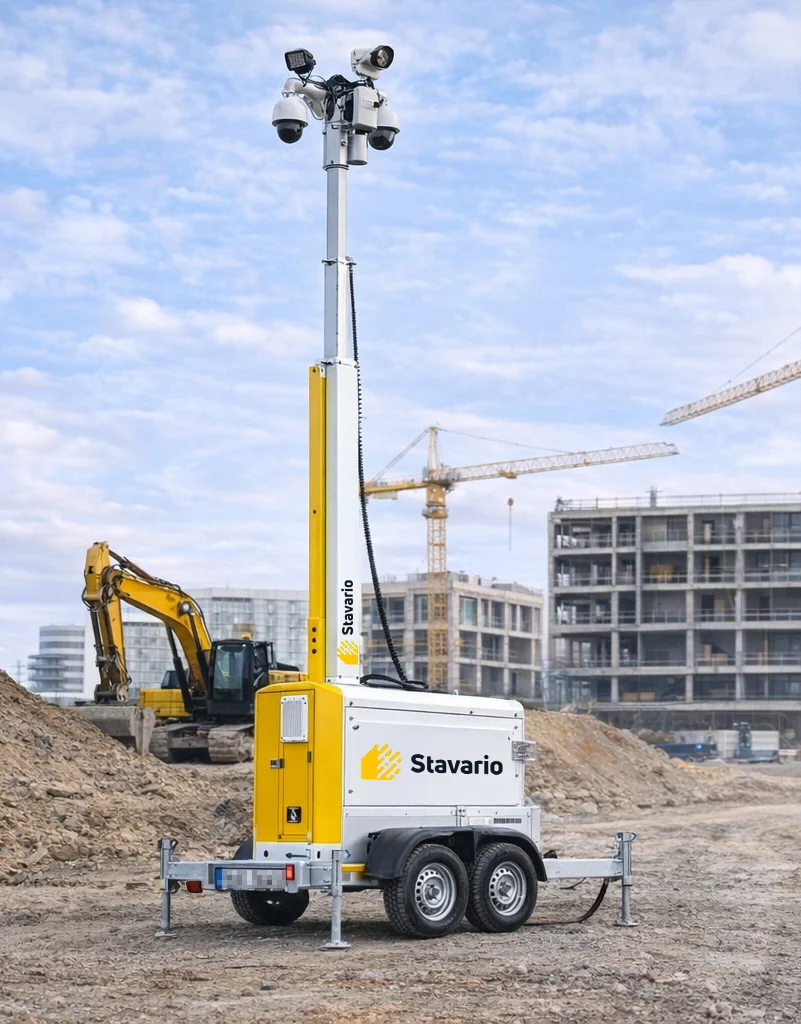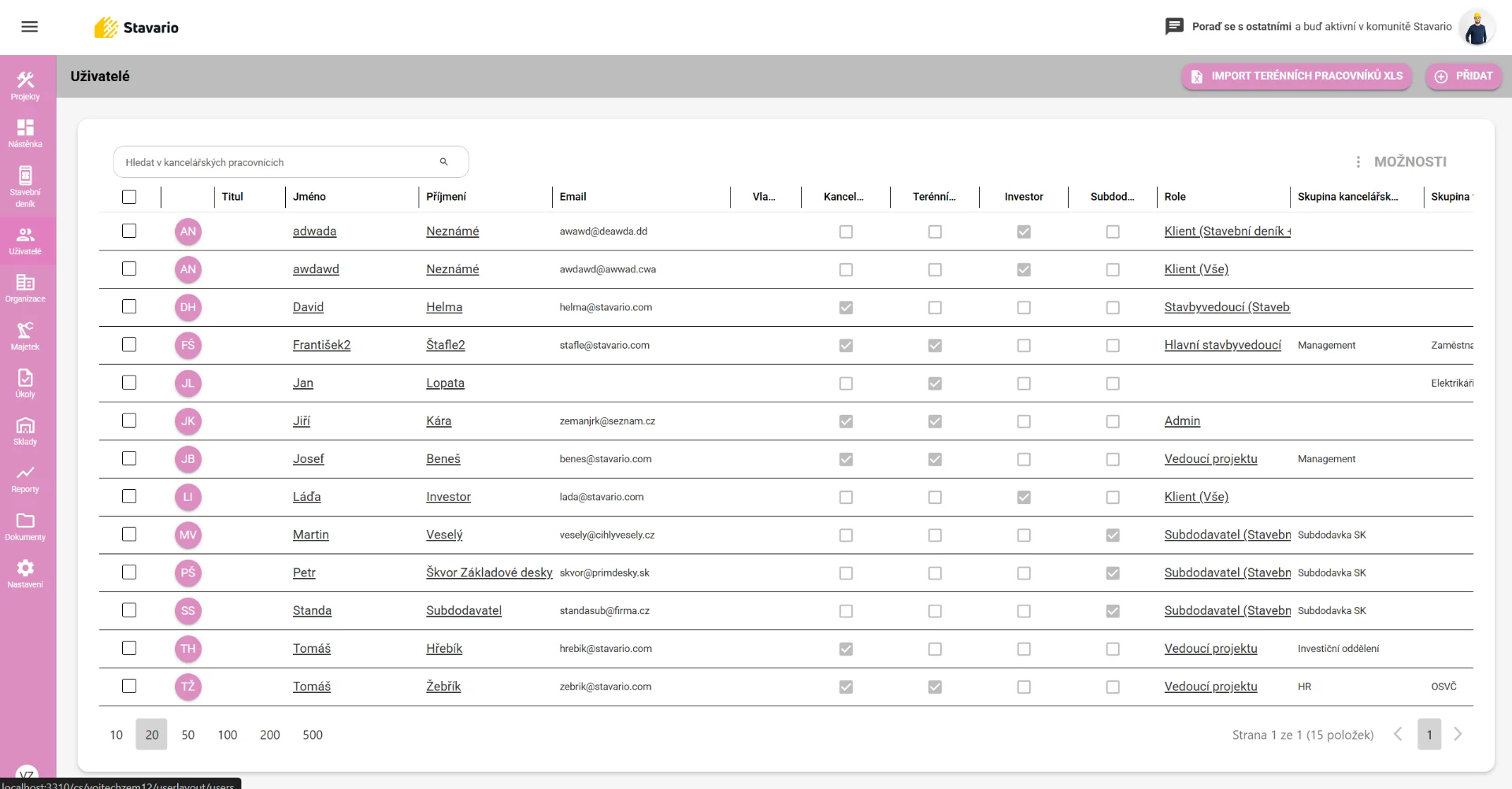
This is how it usually looks today
Without a system
Tools go missing
Nobody knows who has what
Inventories are a nightmare
Records in a notebook or memory
With Stavario
Overview in one place
Clear worker responsibility
QR codes for quick identification
History of all handovers
What the Equipment module tracks
Tool & equipment registry
List of tools, machines and other company assets.
Assigned to workers
Assets can be assigned to a specific worker.
Assigned to sites
Equipment can be tracked at a specific construction site.
QR & barcodes
Quick asset identification using codes.
Movement history
Overview of who took the asset and when it was returned.
Asset import
Upload your existing equipment list into the system.
3 simple steps
How asset tracking works
1Add equipment to the system
2Item can have a QR code
3Handover is recorded in the system
So you always know where assets are and who is using them.
Key features
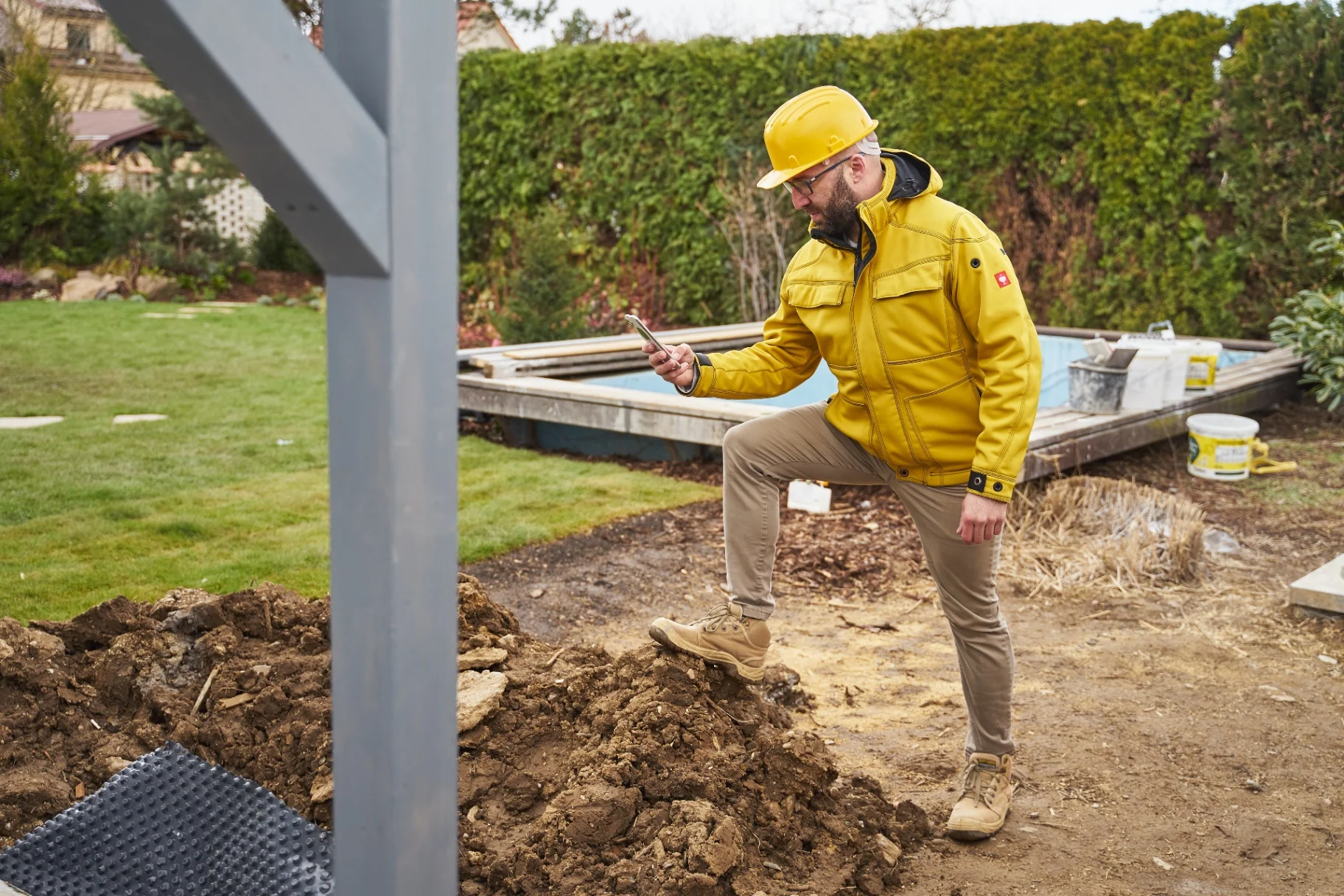
Tool tracking
Overview of drills, saws or other equipment.

Machine tracking
Control over larger equipment.
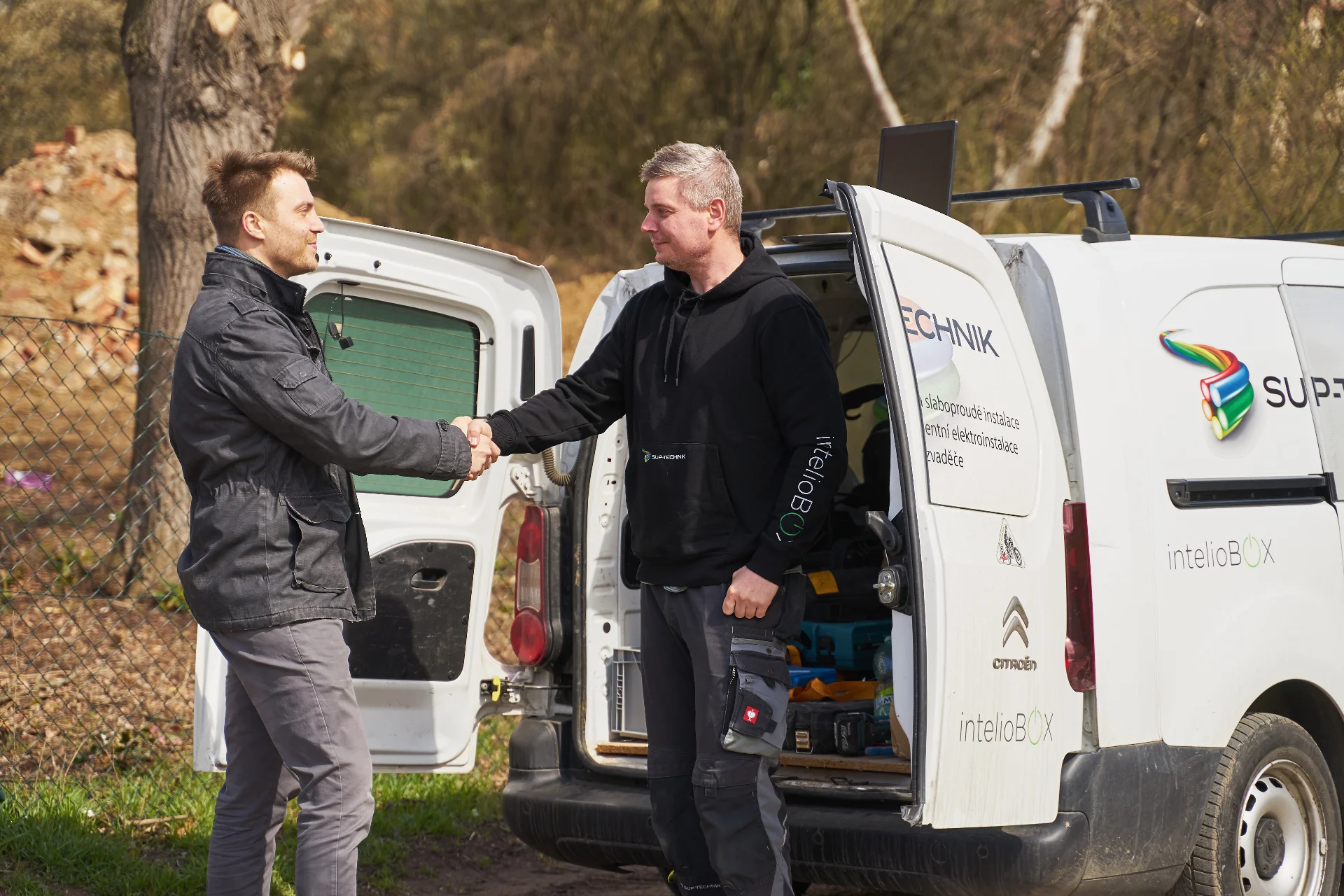
Assigned to workers
Clear responsibility for entrusted equipment.

Site check
Overview of what tools are on projects.
FAQ
FAQ
References
What they say about asset tracking in Stavario

What our clients say
98,000+ users
„We finally know who has which tools."
P
Petr
Site manager