Construction companies rarely need software just because they want to become more digital. They need it because too much information starts living in too many places at once: phone calls, spreadsheets, messaging apps, paper forms, photo galleries, and the heads of a few key people.
That can work surprisingly well while the company is small and runs one or two projects. But as soon as more sites, people, tools, materials, tasks, and documents are added, the amount of coordination grows much faster than the business itself.
Good construction management software should reduce that coordination burden. It should help people on site record information where it is created, give the office access to the same data, and make it easier for management to understand what is happening across projects without reconstructing the day from several different sources.
Construction management is not the same as project scheduling
Construction software is a broad category, and different systems solve very different problems. Some are built primarily around detailed project schedules. Others focus on BIM, document control, budgeting, accounting, or collaboration between multiple project stakeholders.
For a contractor, however, a large part of the daily workload sits somewhere else. People arrive on site, tasks are assigned, photos are taken, tools move between projects, materials are issued from warehouses, site diaries are updated, and information needs to reach the office.
This is why the first question should not be, “Which construction platform has the most features?” A better question is, “Which parts of our daily operation are currently hardest to control?”
If the main problem is detailed financial management, you may need an accounting or ERP system. If the main problem is BIM coordination, you will look for a different type of software. If the problem is everyday site operations and the flow of information between the field and the office, then the selection criteria change again.
Start with the places where information gets lost
Before comparing products, look at an ordinary working day in your company.
Where do people call each other most often? Which information is repeatedly requested? What does the office have to retype? Where do photos end up? Who knows where a specific tool is? How is attendance linked to the correct project? What happens when a site manager is away for a day?
These questions usually reveal the real digitalisation priorities much faster than a feature comparison table.
A company that spends hours every month reconstructing attendance should solve attendance first. A company that constantly searches for tools should focus on asset tracking. If site diaries are completed retrospectively from photos and messages, the problem is not necessarily the diary itself. The problem is how information is collected during the day.
Software should remove a specific operational bottleneck. It should not create a new internal project called “digital transformation” that takes months before anyone sees practical value.
What changes when a construction company grows
A small contractor often has one major advantage: communication is fast. People know each other, the owner has a good overview, and decisions can be made with a short phone call.
Software should preserve that advantage rather than replace it with unnecessary bureaucracy.
With a small team, it often makes sense to start with the processes that repeat every day: attendance, tasks, site documentation, photos, and a simple overview of active projects. If tools regularly move between crews and jobsites, asset tracking becomes important. If materials are spread across warehouses and sites, inventory management starts to matter as well.
As the company grows, the challenge changes. It is no longer just about recording individual pieces of information. It becomes about the relationships between them.
Attendance may live in one application, tasks in another, photos in a messaging app, assets in a spreadsheet, and site records somewhere else. Each tool may work perfectly well on its own, but somebody still has to connect the data.
That manual connection is one of the most underestimated costs in a growing contractor. Someone in the office checks records, asks for missing information, copies data, searches for attachments, and tries to determine which version is current. An hour here and half an hour there can easily turn into days of administrative work every month.
One source of truth matters more than one app for everything
Using several applications is not automatically a bad thing. A specialist tool can be the best solution when a company has one clear need.
The problem starts when the same operational information has to move between several systems every day.
Attendance needs to be linked to a project. Photos need to make sense in the context of a task or site event. A tool moves together with a crew. Materials leave a warehouse for a specific jobsite. The office needs those records for further processing, while management wants an overview across several projects.
The more manual bridges a company has to build between tools, the more valuable a shared operational environment becomes.
That does not mean every business function must be forced into one application. It means the information that belongs together should not be fragmented without a good reason.
What construction management software should cover
There is no universal module list that fits every contractor. One company works mainly with its own employees, another with subcontractors. One has a large warehouse and hundreds of tools, another owns very little equipment.
Still, several needs appear again and again.
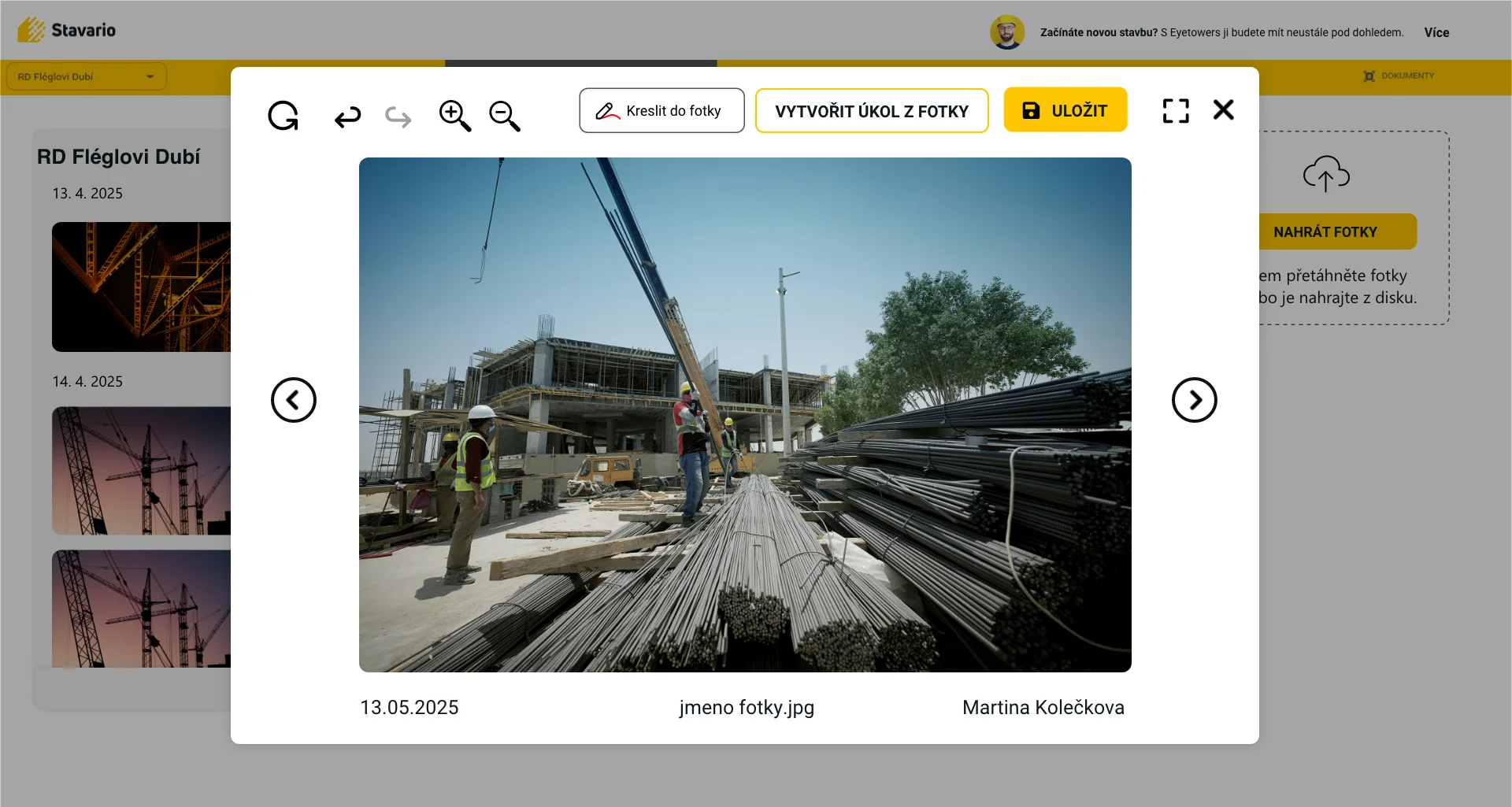
A construction company needs to know who is working where. It needs to record what happened on site and keep photos in context. It needs to assign tasks, track open issues, manage documents, and know where important tools or assets are located. If materials are stored and moved between sites, the company also needs a reliable overview of stock and transfers.
The office is just as important as the field. Information collected on site must be usable by people who are not physically there. Otherwise only the site becomes digital while the administrative work remains manual.
This is why good construction management software should not be seen only as a mobile app for workers or only as a dashboard for managers. It should connect the two sides.
Mobile usability determines whether the data will be reliable
Many systems look excellent on a desktop screen. Management can see reports, charts, lists, and dashboards. But most operational data has to be created by someone on site first.
If the mobile experience is slow or confusing, the quality of the whole system begins to decline. People postpone entries, upload photos somewhere else, skip fields, or return to the tools they already know.
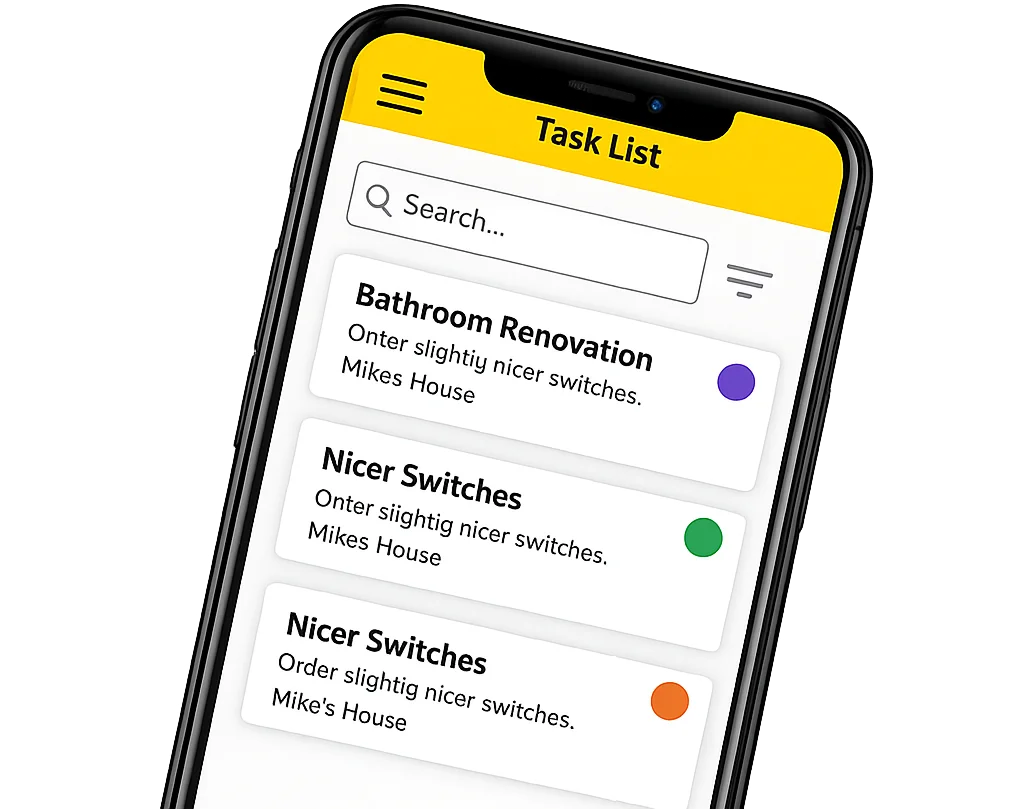
A useful test is simple. Give the mobile app to someone who will actually use it and ask them to complete a few ordinary tasks without a long explanation. Record attendance. Add a photo. Find a document. Create a task. Record a tool or material movement.
That often says more about the real usability of the system than a polished sales presentation.
The goal is not to turn construction workers into software administrators. The goal is to make recording information easier than solving the same problem later with phone calls and manual reconstruction.
The system should reduce administration, not move it to another screen
Every new system requires some setup. Projects need to be created, users added, permissions configured, and basic rules established. That is normal.
The problem starts when the office becomes an interpreter between the software and the site.
If one person has to collect information from everyone, enter it on their behalf, correct records, and manually connect the pieces together, the process has not really been simplified. Paper may have disappeared, but the workload has not.
A well-designed process moves data entry closer to the moment when the information is created. Attendance is recorded when someone arrives. A photo is stored while the event is still clear. A task is created when the issue appears. A tool movement is recorded when the tool changes location.
The office then works with the data instead of rebuilding it.
When a standalone site diary is enough
Not every contractor needs a broad construction management system.
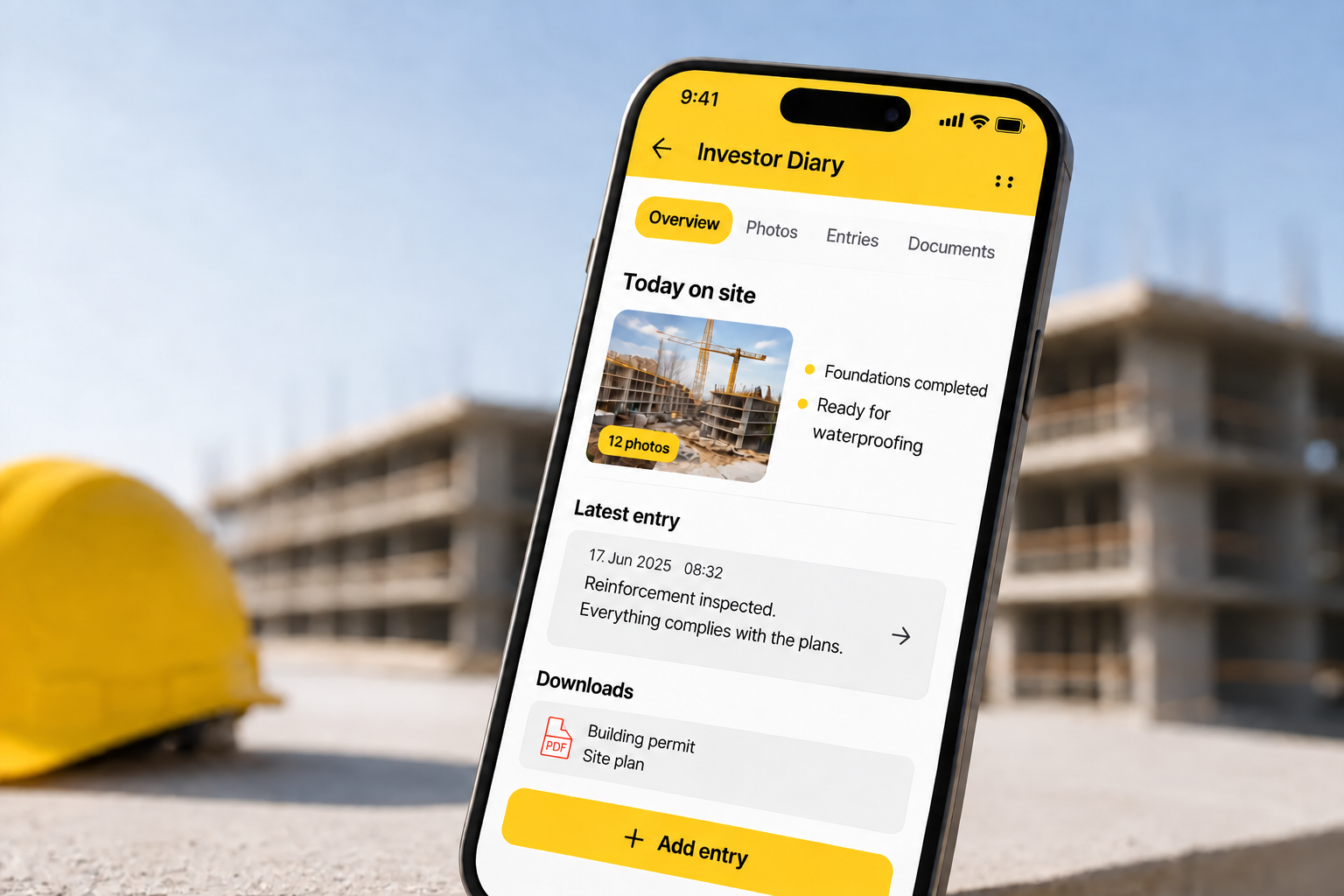
If you are running a single project and mainly need a structured site record, photos, and basic documentation, a standalone digital site diary may be completely sufficient. There is no reason to introduce a wider platform if the rest of the business process is already simple and works well.
The situation changes when the diary starts depending on information that already exists elsewhere. Attendance is recorded separately, tasks are handled in another tool, photos are scattered across phones, and site records are completed later.
At that point the diary may no longer be the main problem. The problem is the fragmentation around it.
For companies managing several projects, it is therefore worth asking whether the site diary should remain a standalone tool or become part of a broader operational system.
Asset and tool tracking becomes important earlier than many companies expect
Tools and equipment rarely stay in one place. They move between employees, vans, warehouses, and jobsites. For a small team, everyone may know where the important items are. With more crews and projects, that informal knowledge becomes unreliable.
The cost is not only missing equipment. It is also the time spent searching for it.
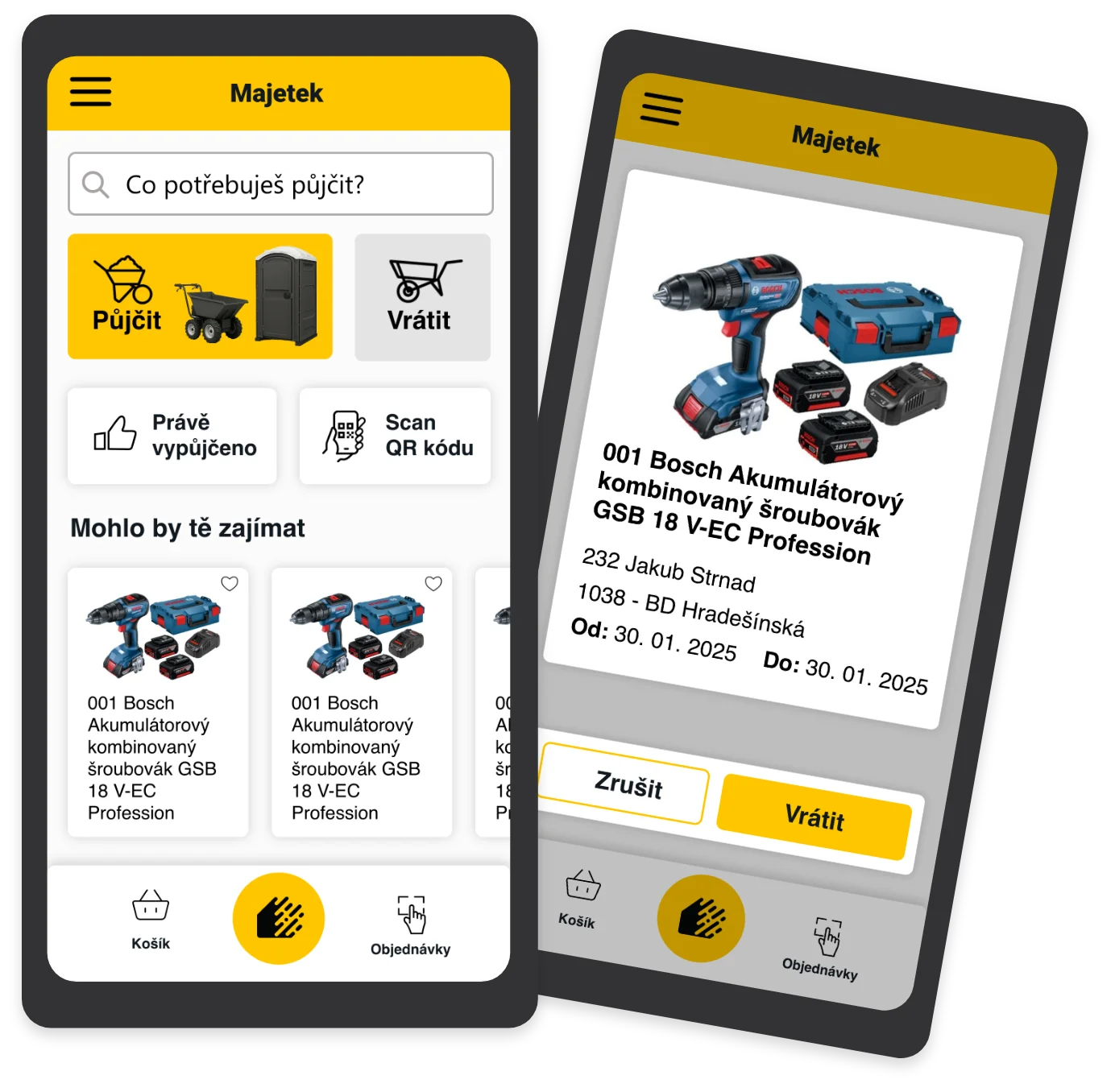
When people regularly ask who has a specific tool, whether it is still on a previous project, or whether something should be purchased again, asset tracking begins to create real operational value.
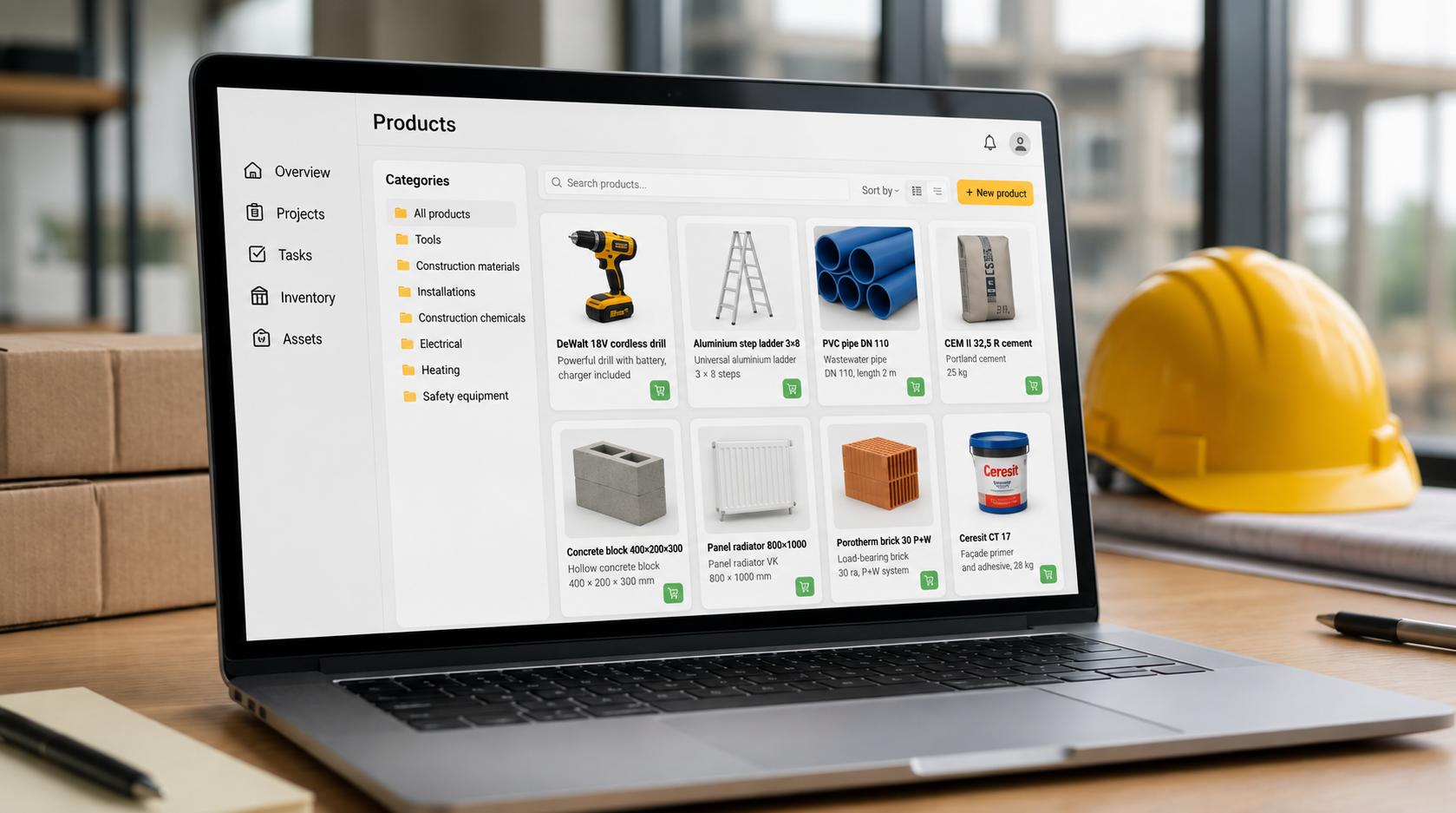
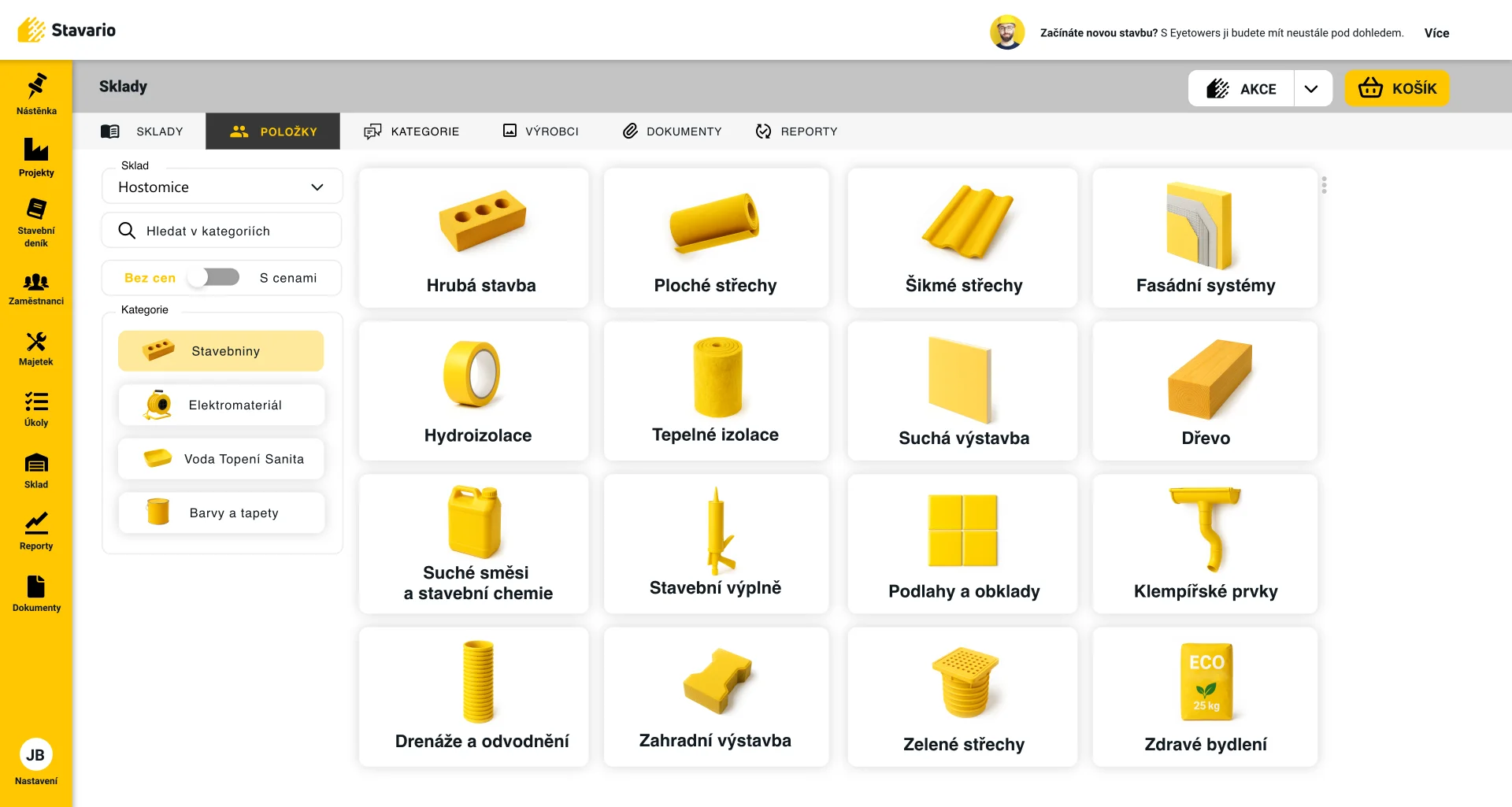
The same principle applies to construction materials. Knowing that the company owns a certain amount of material is not enough if nobody knows where it is physically located. Good inventory management should reflect how materials actually move through the business.
Construction inventory should be connected to real jobsites
Materials in construction are rarely static. They arrive at a warehouse, move to a jobsite, may be transferred to another project, and sometimes return.
This makes construction inventory different from a simple list of stock quantities.
The useful questions are more practical: What do we have? Where is it? What was received? What was issued? What moved to another site? Which important item is running low?
As the number of projects increases, manual inventory tracking becomes harder because the physical movement of materials is often faster than the administrative update.
For contractors who manage their own warehouses or regularly move materials between jobsites, inventory can therefore become an important part of the wider construction management system.
How Stavario fits into construction management
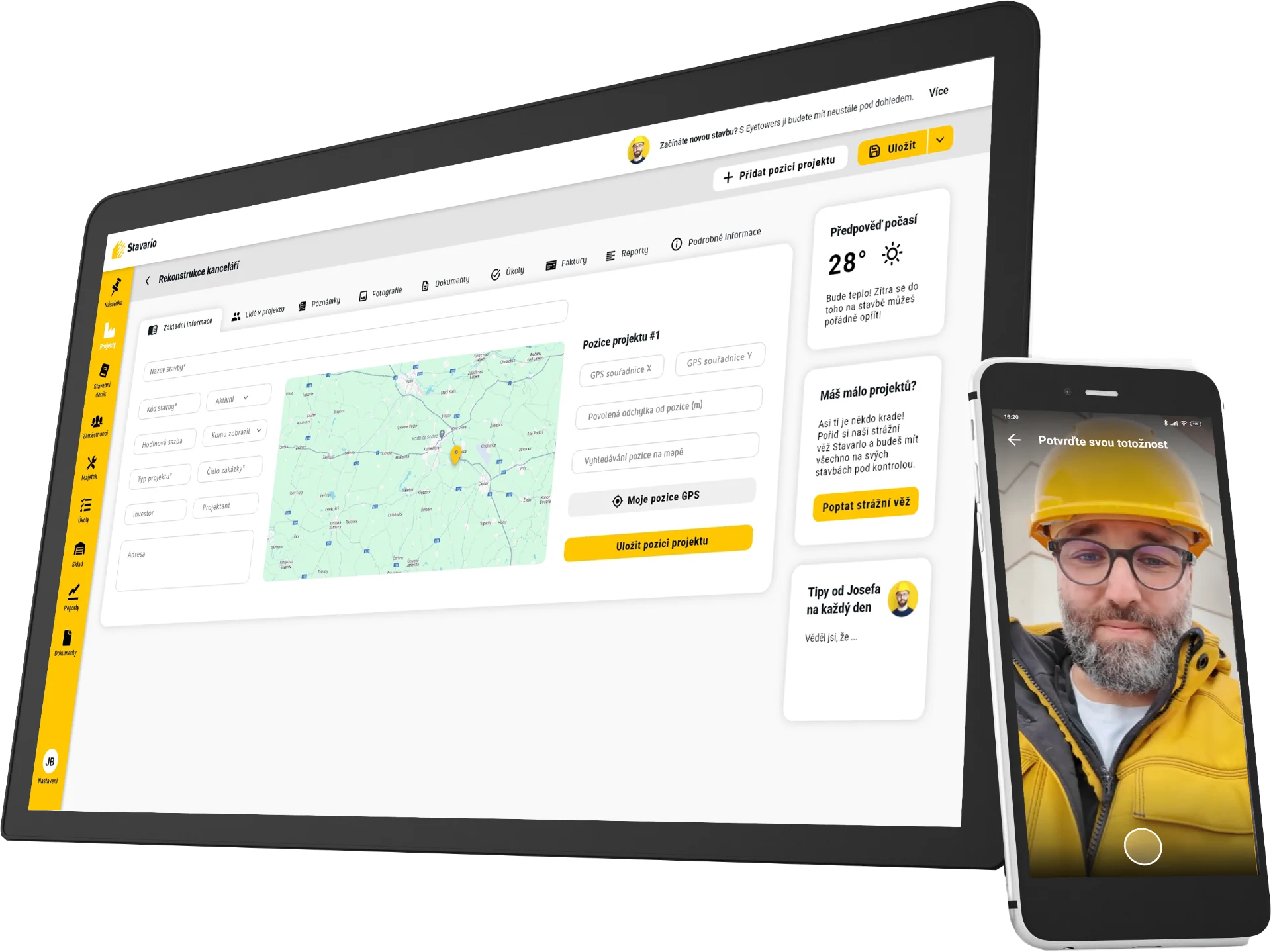
Stavario is a construction operations platform designed to connect everyday jobsite work with the office.
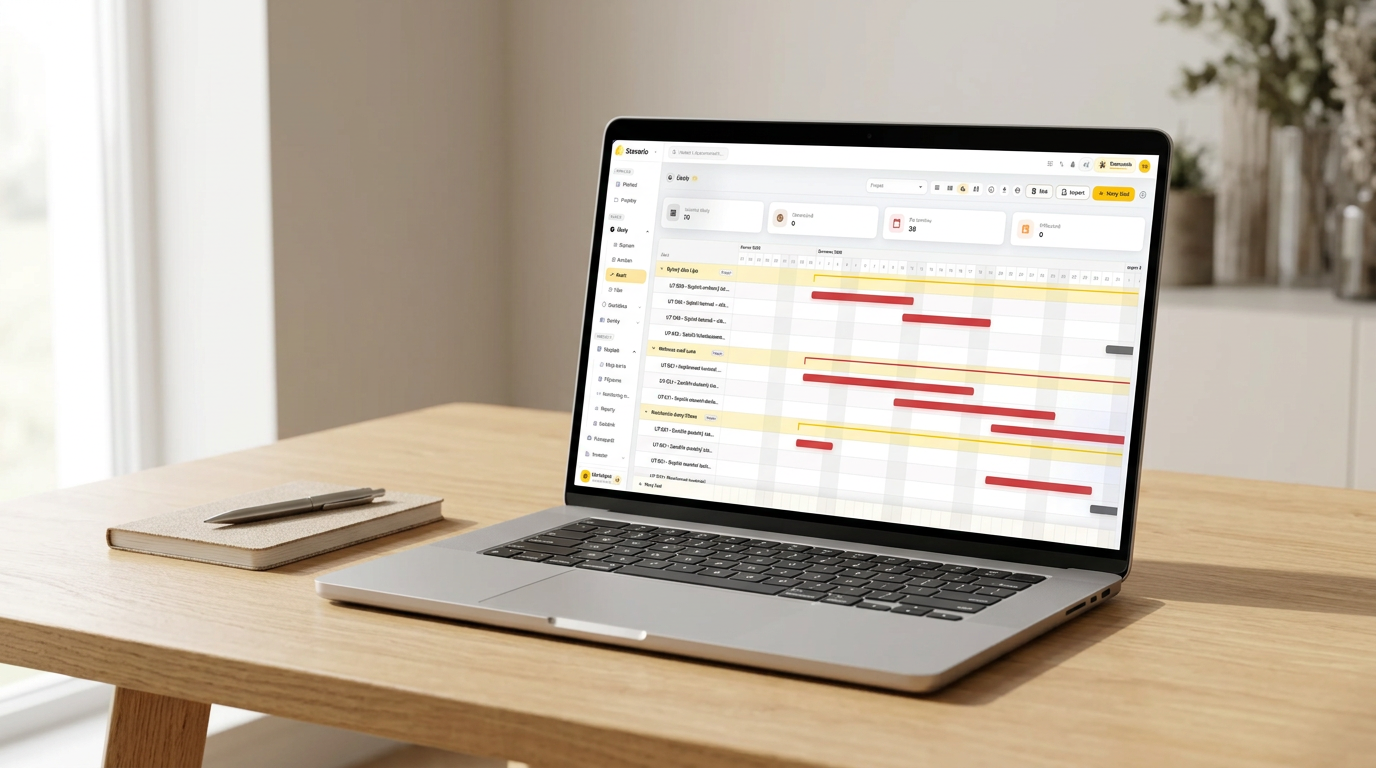
The system includes site diaries, attendance, tasks and requests, photo documentation, assets and tools, warehouses and materials, communication, reporting, and other areas of day-to-day construction operations.
For a smaller contractor, this means the company does not have to introduce every part at once. It can start with the process that creates the most unnecessary work today and expand the use of the system gradually.
For companies managing several sites, the main benefit is the shared environment. Operational information does not have to remain fragmented between separate spreadsheets, messaging threads, and isolated applications.
Stavario is not positioned as a traditional accounting ERP. Its focus is the daily operation of construction projects, the field, and the flow of information back to the office.
Construction management software should grow with the company
A system that works for five employees may not be enough when the company has twenty people and several active projects. That does not mean a small contractor should buy the most complex software available from day one.
It means the company should understand what happens when the business grows.
Can more projects be added easily? Can more people work in the system without creating chaos? Can permissions be adjusted? Can new operational areas such as warehouses or asset tracking be added later? Can the office get useful information without changing the entire process again?
Starting small is often the right approach. Starting with a system that has no path forward is not.
How to choose construction management software
Before selecting a platform, answer a few practical questions:
- How many active projects do we manage today, and how many do we expect to manage in two years?
- How many people will use the system directly on site?
- Which information do we currently search for most often?
- Which data is being manually re-entered?
- Do we need only a site diary, or also attendance, tasks, photos, assets, and inventory?
- Does the office need direct access to information from the field?
- Can site teams use the mobile application without extensive training?
- Can the system expand as the company grows?
- Which processes need to be connected and which can remain in specialist software?
Once these answers are clear, product comparison becomes much easier. You are no longer looking for the platform with the longest feature list. You are looking for software that matches the way your company actually operates.
Summary
Construction management software becomes valuable when the amount of operational information grows faster than the company’s ability to manage it through memory, spreadsheets, phone calls, and separate applications.
For one or two projects, a simple combination of tools may work perfectly well. As the company grows, however, the connections between attendance, tasks, site documentation, photos, assets, warehouses, and office processes become increasingly important.
The best place to start is not a feature list. Start with the areas where your company loses the most time and where information most often becomes outdated, duplicated, or difficult to find.
Stavario is built for this kind of everyday construction operation. Contractors can start with the processes they need today and gradually connect more parts of their field and office workflow in one system.
Looking for construction management software that can grow with your business?
See how Stavario connects jobsites, people, site diaries, attendance, tasks, photo documentation, assets, inventory, and the office.
Explore Stavario for construction companies
Related pages on Stavario
Frequently asked questions

Josef Beneš
CEO Stavario
20+ years of experience in construction