Start with the work, not the technology
The conversation about AI in construction often starts with the tool. Teams ask which model it uses, whether it accepts voice commands or how many documents it can process. A more useful starting point is the work itself: which repeated step takes time, uses information the company already holds and produces an output that someone can review before anything important happens?
Construction operations create this kind of work every day. Site managers photograph progress, dictate notes, update tasks and look for project information. Office teams collect timesheets, prepare reports, re-enter invoice data and chase missing records. Management wants exceptions and decisions, not another folder of raw information. When the same facts are repeatedly searched for, rewritten or reorganised, there is a credible automation opportunity.
Not every task is suitable. A rare technical judgement, a disputed variation or a safety decision may depend on evidence and professional context that cannot be reduced to a prompt. AI can still prepare the information, but preparation is different from approval. The operating rule should stay clear: the higher the consequence of an error, the stronger the human review and audit trail must be.
Four tests for a useful automation
A task does not deserve automation just because software can perform part of it. It should pass four practical tests before the company invests time in a pilot.
- It repeats often. The workflow occurs daily or weekly, follows a recognisable pattern and consumes enough collective time to matter.
- The source information already exists. The system can work with project records, photographs, tasks, attendance, documents or other authorised data without asking someone to rebuild the context first.
- The expected output is specific. A draft diary entry, a list of overdue actions or extracted invoice fields can be checked. “Manage the project better” cannot.
- Review is proportionate to the risk. A named person can compare the output with its source and correct it before the result triggers a payment, instruction, contractual commitment or safety decision.
These tests also reveal when ordinary workflow automation is enough. If the input is structured and the rule is fixed, a conventional automation may be more predictable than generative AI. AI becomes useful when the input includes photographs, voice notes, free text or questions in natural language. In a good process, the two approaches can work together: AI prepares or interprets content, while a defined workflow routes the reviewed result to the right place.
10 construction operations tasks worth automating
1. Find information across projects and records
A contractor stores information in construction diaries, tasks, attendance, photographs, assets, warehouses, invoices and project documents. Answering a simple question can still mean opening several screens or calling the person who remembers where the record sits. AI can help retrieve and summarise authorised information through a natural-language question.
The answer must remain traceable to the source. If a record is missing, outdated or belongs to another project, AI cannot turn it into a fact. Access rights must also follow the user, so convenience does not expose information that person should not see.
2. Prepare draft construction diary entries
Much of the raw material for a daily record already exists by the end of the shift: photographs, short notes, attendance data, weather information and the site manager’s knowledge of what happened. AI can use the available project context to prepare a draft instead of forcing the responsible person to start with a blank page in the evening.
A photograph may show an activity, but it does not always establish scope, completion, quality or contractual meaning. The site manager must confirm what happened, correct any interpretation and add information that cannot be inferred from the source material.
3. Turn voice notes into structured records
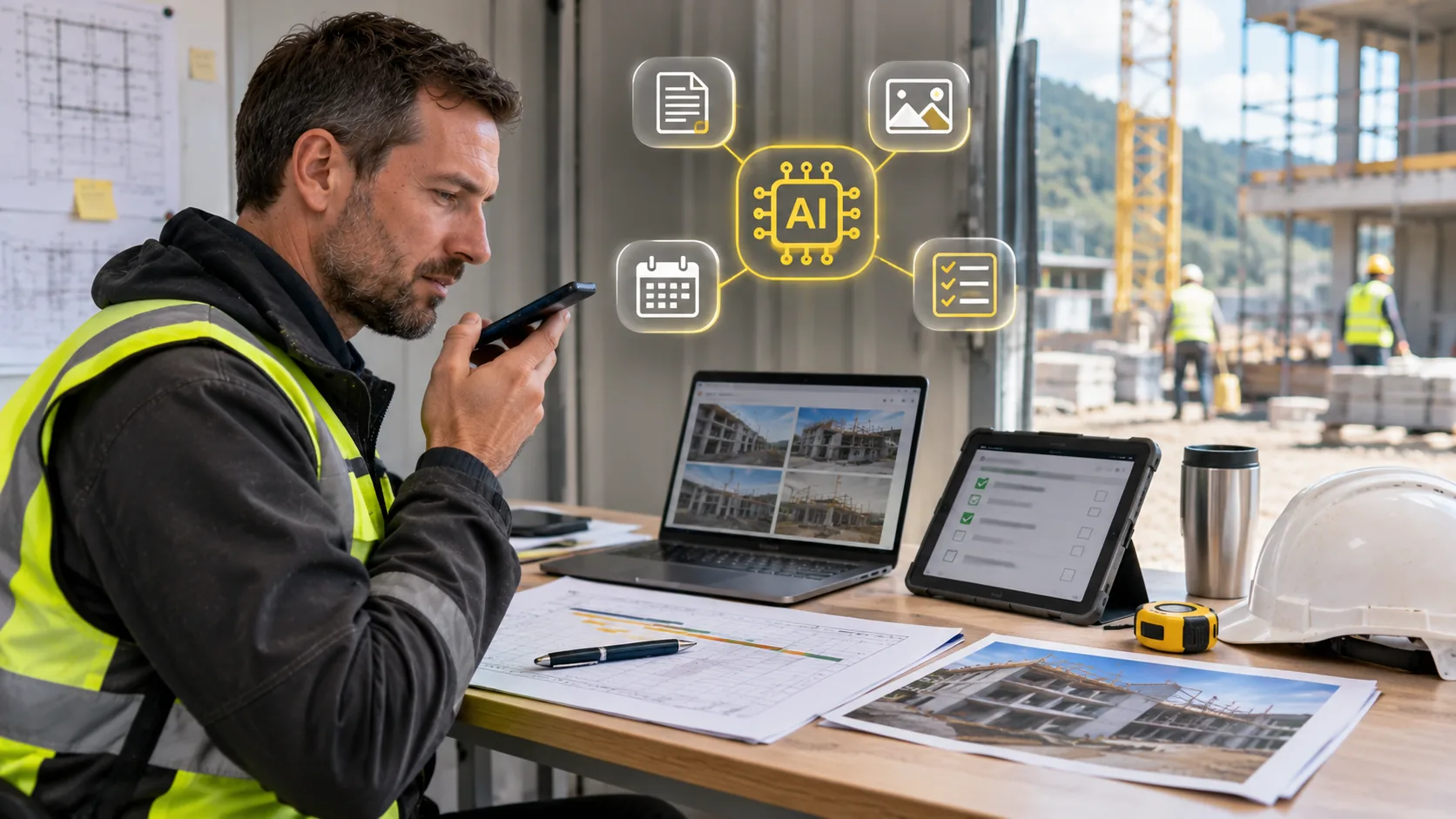
Speaking is often faster than typing while moving around a jobsite. A short instruction such as “blockwork on level three is complete, but two openings still need checking” can become a clearer note, draft diary entry or proposed update. This reduces the administration that accumulates after the working day.
Names, dimensions, room references and technical terms can be misunderstood. The workflow should show what the system heard and allow the user to correct it before the text becomes part of the project record.
4. Create tasks from site instructions and issues
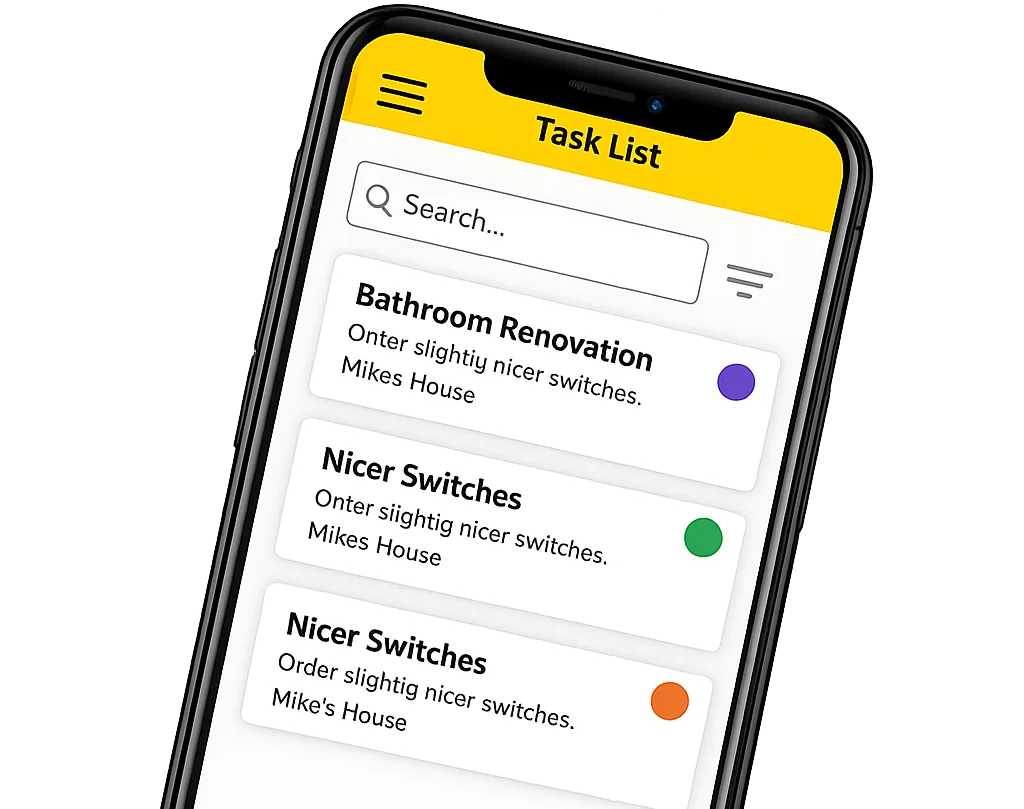
An instruction given during a walk-through can be converted into a proposed task linked to the correct project. AI can help structure the description and preserve the context instead of leaving the action in a message or someone’s memory.
The responsible person, due date, priority, required evidence and definition of completion still need confirmation. AI should not decide that a task is complete simply because a comment or photograph was added.
5. Summarise changes, blockers and overdue actions
Before a coordination meeting, someone often gathers information from tasks, notes and recent project activity. AI can prepare a summary of recorded changes, open blockers, overdue actions and questions awaiting a decision. The team can then spend meeting time resolving issues instead of reconstructing them.
The summary should separate recorded facts from suggested next steps and link important statements back to their source. Management decides what is critical, which project takes priority and what action follows.
6. Prepare a weekly management report
A useful weekly report compares the plan with the actual position, explains material deviations and identifies the decisions required from management. AI can assemble a first draft from current project records and apply a consistent structure across sites, reducing the manual work of starting each report from scratch.
The report owner must verify progress, risk, cost implications and responsibility. A polished paragraph is not evidence that the underlying status has been confirmed. Estimates should remain clearly distinguished from approved costs and possible risks from problems that have already occurred.
7. Extract fields from invoices and repeatable documents
Invoices contain fields that office teams repeatedly enter into another record: supplier, date, invoice number, amounts, line items and project references. AI can extract these values and prepare them for review, while keeping the source document close to the proposed data.
Extraction is not approval. Tax treatment, duplicate checks, project allocation, contractual entitlement and payment authorisation need defined controls. The financial process remains responsible for confirming what the document means and what happens next.
8. Draft routine project communications
When the underlying facts are already recorded, AI can organise them into a first draft for an internal update, meeting follow-up or request for missing information. The value is not sending more messages. It is reducing the time required to turn verified project facts into clear communication.
A person must check the recipient, tone, dates, commitments and sensitive data before anything is sent. Even a routine email can create a contractual expectation or disclose information that should remain limited to the project team.
9. Classify photographs and documents by project context
Photographs and documents are useful only when the team can find them later. AI can assist with descriptions, suggested labels or links to a project area, task or diary entry, reducing the effort needed to organise large volumes of material.
The system should not infer that a photograph proves completion, compliance or quality. The person recording the evidence must confirm the project, location, date, subject and reason the image matters, especially before work is covered or handed over.
10. Flag missing or inconsistent project records
AI can help identify gaps that deserve attention, such as a task without an owner, a report that refers to a missing photograph, inconsistent project names or an invoice without a project reference. This turns quality control into a targeted review instead of a search through every record.
A flag is a question, not a verdict. The system may lack context or encounter a legitimate exception. A responsible person decides whether the record is wrong, incomplete or simply follows a different approved process.
What should not run without human control
The clearest boundary is consequence. AI should not independently approve payment, certify completed work, accept quality, change scope, commit the company to a programme date or conclude that a safety risk has been resolved. It can retrieve evidence, draft a comparison or highlight an inconsistency, but the accountable professional must make and record the decision.
Planning also needs context. A system can show overdue tasks, summarise blockers and propose questions. It cannot see every commercial promise, subcontractor constraint, site condition or relationship between projects unless those facts have been recorded and made available. Reassigning crews or promising a completion date remains a management decision.
Do not automate a process that the company has not defined. If every project uses different names, statuses and approval rules, AI may produce fluent but inconsistent outputs. First agree on the minimum workflow, source of truth, responsible role and point of approval. Then automate the stable step inside it.
Human review must be designed into the workflow
“A human checks it” is not a complete control. The company should name the reviewer, show the source, define what must be checked and make clear when the output changes from draft to accepted record. Review should be quick for low-consequence content and stronger when the result touches safety, quality, money, contracts, personal data or commitments to third parties.
The same principle applies after deployment. Record common corrections, failed searches, rejected outputs and cases where users bypass the tool. NIST guidance on AI risk management emphasises defined human roles, accountability, monitoring and documentation. For a contractor, that translates into a practical question: can the company explain who reviewed the result and what source they used?
How to run a pilot that can be evaluated
Choose one frequent process on one or two projects. A diary draft, task creation from voice or extraction from one invoice format is easier to evaluate than a broad promise to “automate administration”. Define the users, authorised data, expected output and review step before the pilot begins.
Measure the current process: time spent, frequency, waiting points and common errors.
Define what AI may prepare and what a person must always approve.
Test with real project examples under the correct permissions and data rules.
Measure total time to a verified result, including corrections and rework.
Record repeated failure patterns and adjust the workflow, source data or instructions.
Expand only after the team uses the process consistently and trusts the review step.
The useful metric is not how many words or summaries the system creates. Measure how many verified administrative steps disappear, how quickly information becomes available and whether the result is at least as complete and reliable as the previous process.
How Stavario fits into construction operations
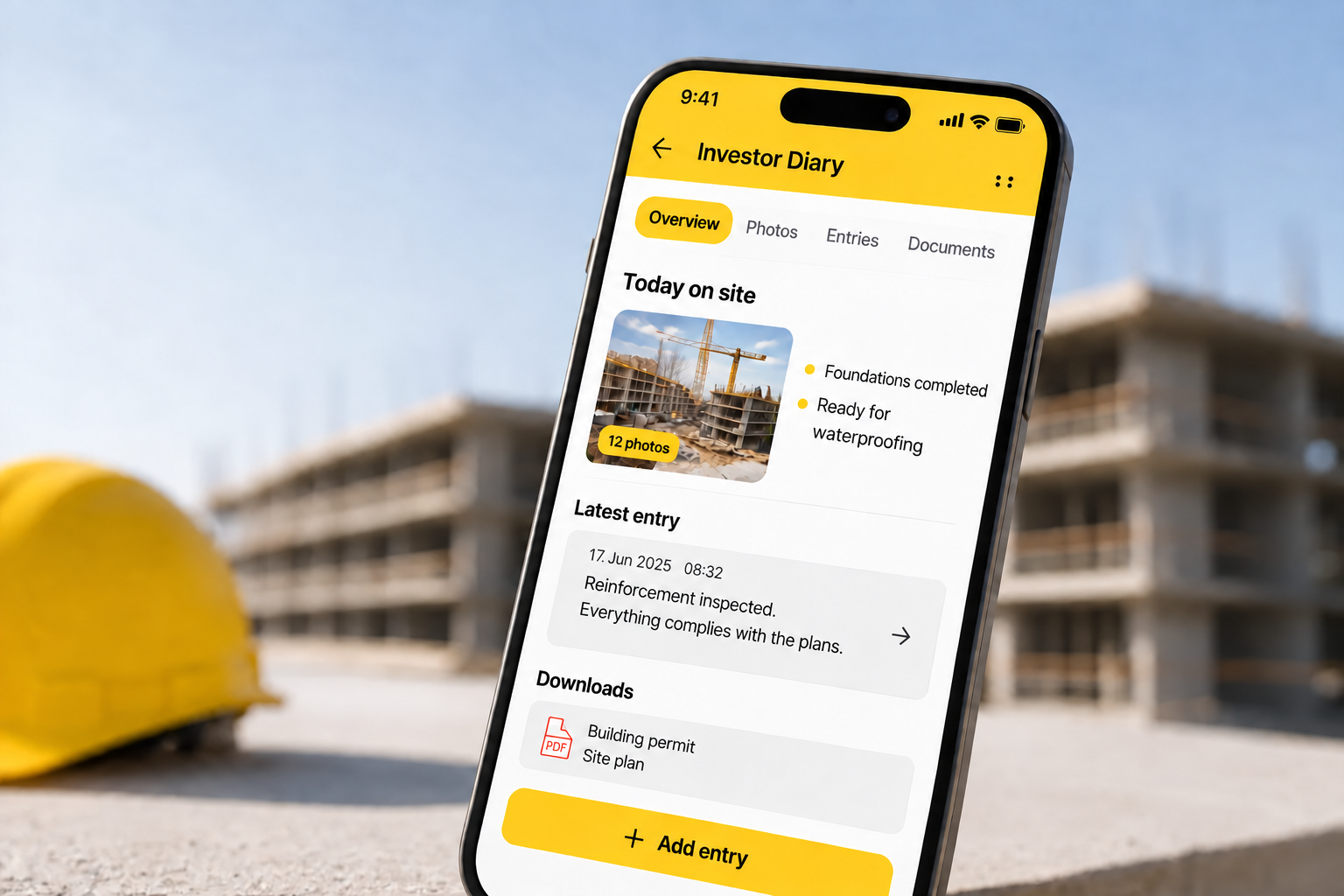
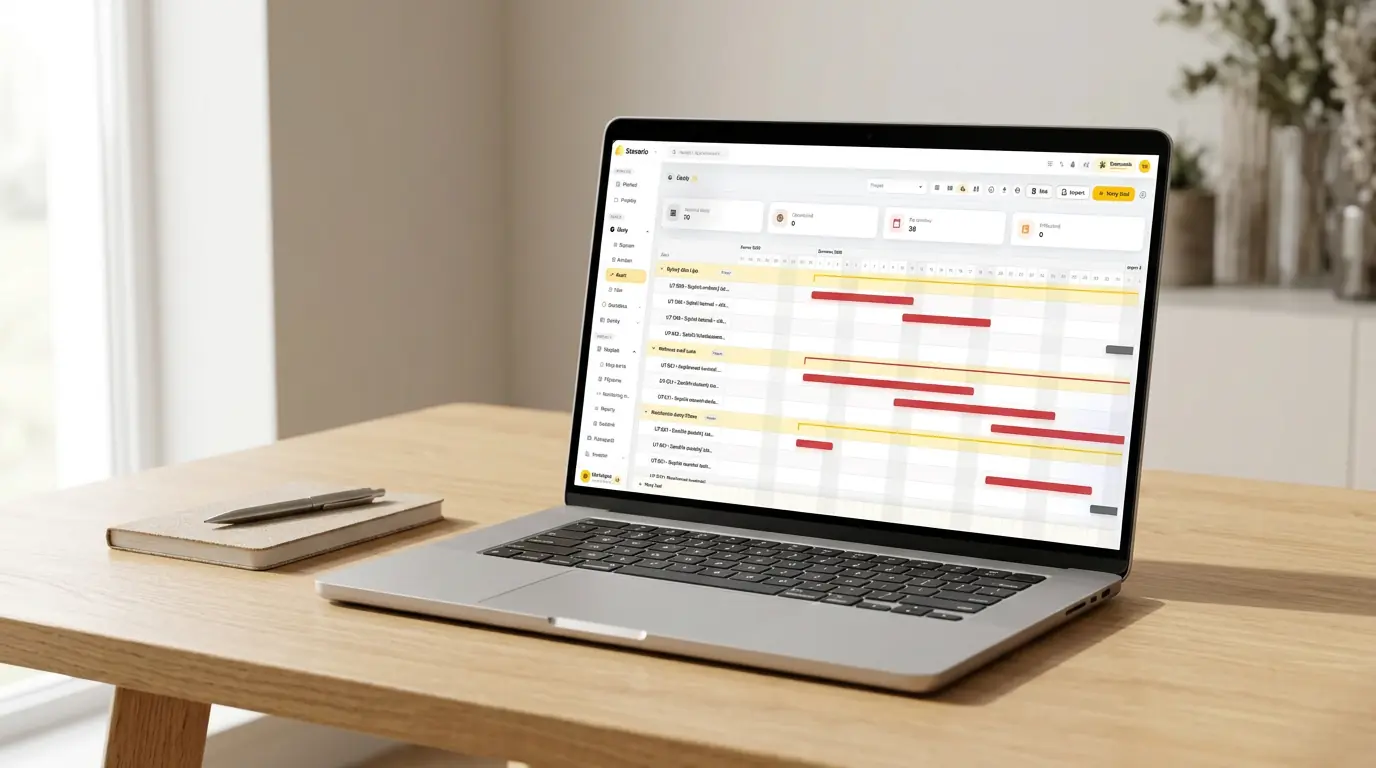
Stavario is a digital system for managing entire projects. It connects day-to-day jobsite information with the office and company management. The AI Assistant works with information available inside Stavario, including projects, construction diaries, tasks, attendance and assets, subject to the user’s access. Users can ask questions, retrieve information, prepare diary drafts and create tasks from natural-language instructions.
In the construction diary, photographs and project information can provide a starting point for a draft entry that the responsible person reviews and saves. Stavario Copilot can also work across modules to find and summarise available information. Invoice extraction is offered within accounting automation. These capabilities reduce searching, transcription and first-draft work; they do not transfer approval or professional responsibility to the software.
The practical advantage of an integrated construction operations platform is context. Project information does not have to be copied into a separate AI conversation and then carried back into the operational record. The value still depends on current data, suitable permissions and a clear human decision at the end of the workflow.
Automate one step, not the promise
The right question is not how much AI can do. It is which specific step can stop consuming time without losing context, evidence or responsibility. Finding a record, preparing a diary draft or extracting invoice fields may sound less dramatic than “running a project with AI”, but each creates an outcome the company can review and measure.
Start with one frequent task, define the accepted result and keep the source visible. When the process genuinely saves time and the team knows where human judgement begins, add the next use case. Useful AI does not remove the accountable person from construction operations. It gives that person better-prepared information and more time to coordinate, verify and decide.
Sources and product note
Product sources checked on 17 November 2026: Stavario AI Assistant, Copilot now works across all Stavario, Electronic Construction Diary, Integrations & API, Stavario Product and the current English blog index. General human-oversight principles were checked against the NIST AI Risk Management Framework and its playbook.
The article distinguishes general AI and automation use cases from currently verified Stavario capabilities. It does not claim that Stavario independently approves costs, certifies work, resolves safety or quality decisions, determines contractual responsibility or automatically performs every task described in this article.
Choose one repetitive construction operations task and follow the information from the jobsite to the office. If the same facts are searched for, rewritten or reorganised several times, see how Stavario can connect the project context with AI-assisted drafts, tasks and answers while keeping review with your team.
Frequently asked questions

Josef Beneš
CEO Stavario
20+ years of experience in construction