Construction time tracking often starts with a simple requirement. A company wants to know who showed up, when work started, when it ended, and how many hours were worked. On one small project, a paper sheet, spreadsheet, or basic attendance app may be enough. Construction companies, however, do not operate like offices where everybody arrives at the same place every morning.
Crews move between jobsites, individual workers may split a day across projects, teams change depending on current needs, and subcontractors can enter the picture as well. That means a total number of hours rarely tells the whole story. Eight hours may be correct, but the company may still need to know where those hours were actually spent.
Useful construction time tracking should therefore do more than record attendance. It should connect the person, the time and the project so the information can remain useful after the worker leaves the jobsite.
Eight hours only become useful when you know which project they belong to
Imagine a worker records eight hours for the day. From a basic attendance perspective, the job is done. For a contractor managing multiple projects, however, it may matter that five of those hours were spent on one job and three on another.
That project connection turns time into operational information. The office does not have to reconstruct where somebody worked, site managers do not need to prepare another separate summary, and management gets a more realistic view of how crews are distributed across active jobs.
The more often employees move between projects, the less useful a time tracking system becomes if it only knows the person and a total number of hours.
Working time tells you how long somebody worked. Project context tells you where that time was actually used.
Track what the company can actually use
A good time tracking system should not collect data simply because it can. The goal is to capture the information a construction company genuinely needs without turning attendance into another administrative burden for people in the field.
At the most basic level, that means the worker, the start and end of the work period, and the project the time belongs to. Depending on how a company operates, team or jobsite context may also be useful. The important part is that the record is created as close as possible to the actual work.
When attendance is completed several days later from memory or copied from paper sheets, the company eventually gets numbers, but only after somebody has spent additional time rebuilding them. That also creates more room for missing or inaccurate information.
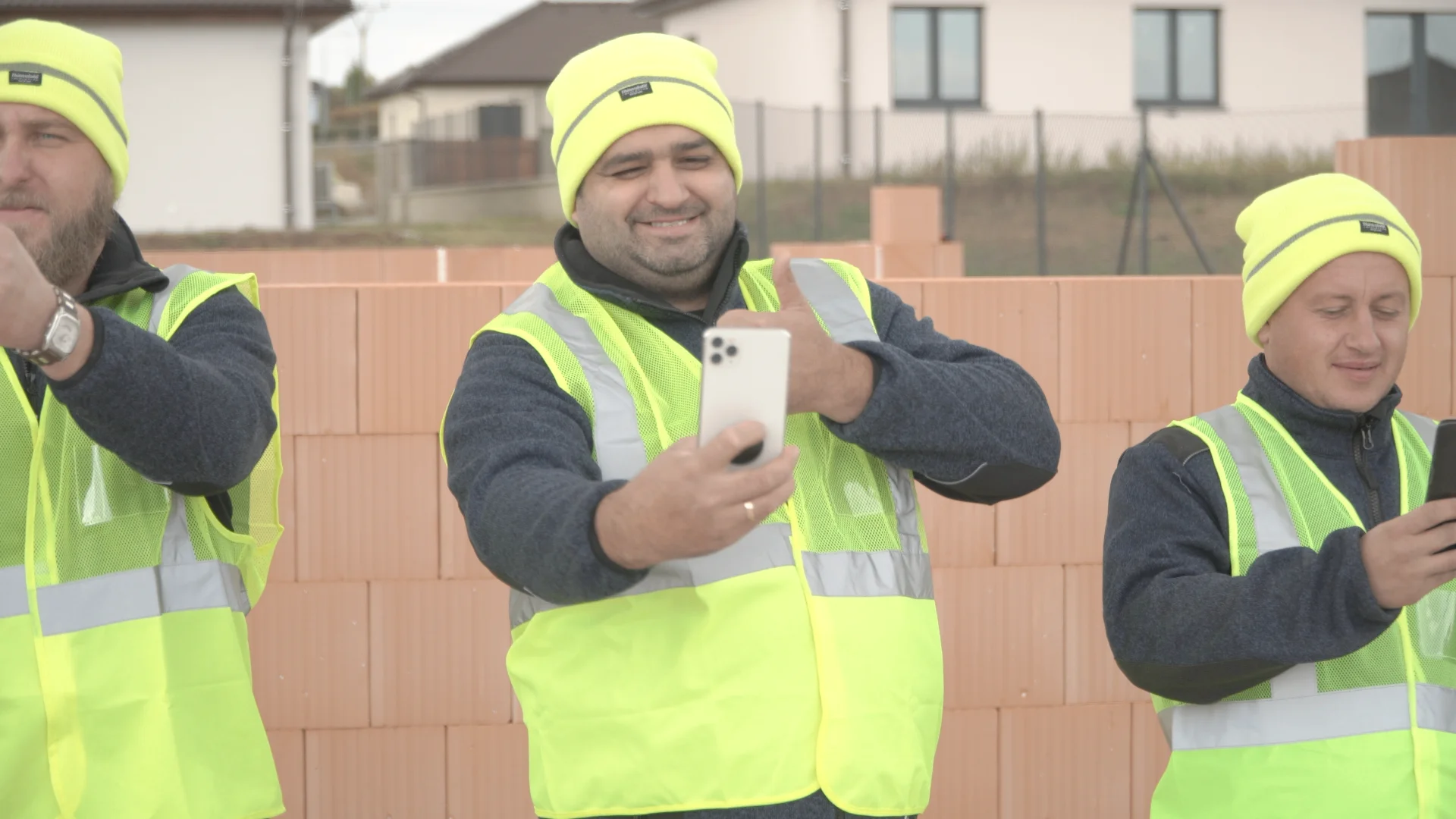
Mobile time tracking is a natural fit for construction because people can record their attendance where the work is happening. The phone itself, however, is not the real benefit. The real benefit is whether the information remains connected to the correct project and can continue through the company without being entered again.
A lot of wasted time appears after the timesheet is already complete
The paper attendance sheet on site is not always the biggest problem. What happens to it afterwards can create much more work. Somebody has to get the sheet to the office, another person checks the entries, hours are copied into a spreadsheet, missing information triggers phone calls, and the company may still have to determine which project each group of hours belongs to.
With one small job, this may only take a few minutes. With multiple projects, the same process repeats every week across several teams. One piece of information passes through several people before it finally reaches the place where the business can use it.
This is why digitising time tracking should involve more than replacing paper with an app. The entire path of the information matters. If a mobile app ultimately produces a file that somebody still has to manually sort and re-enter, only the first step has really changed.
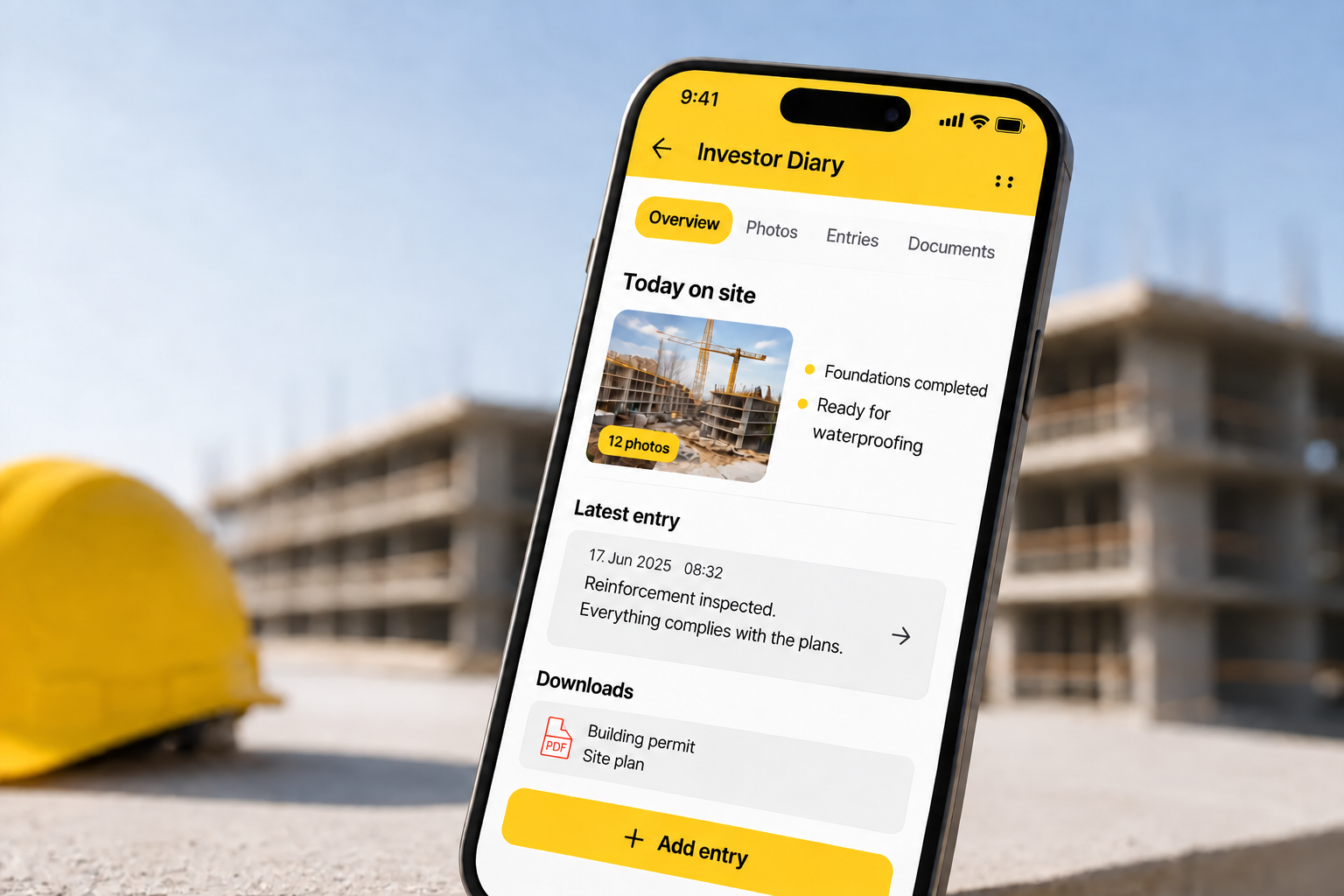
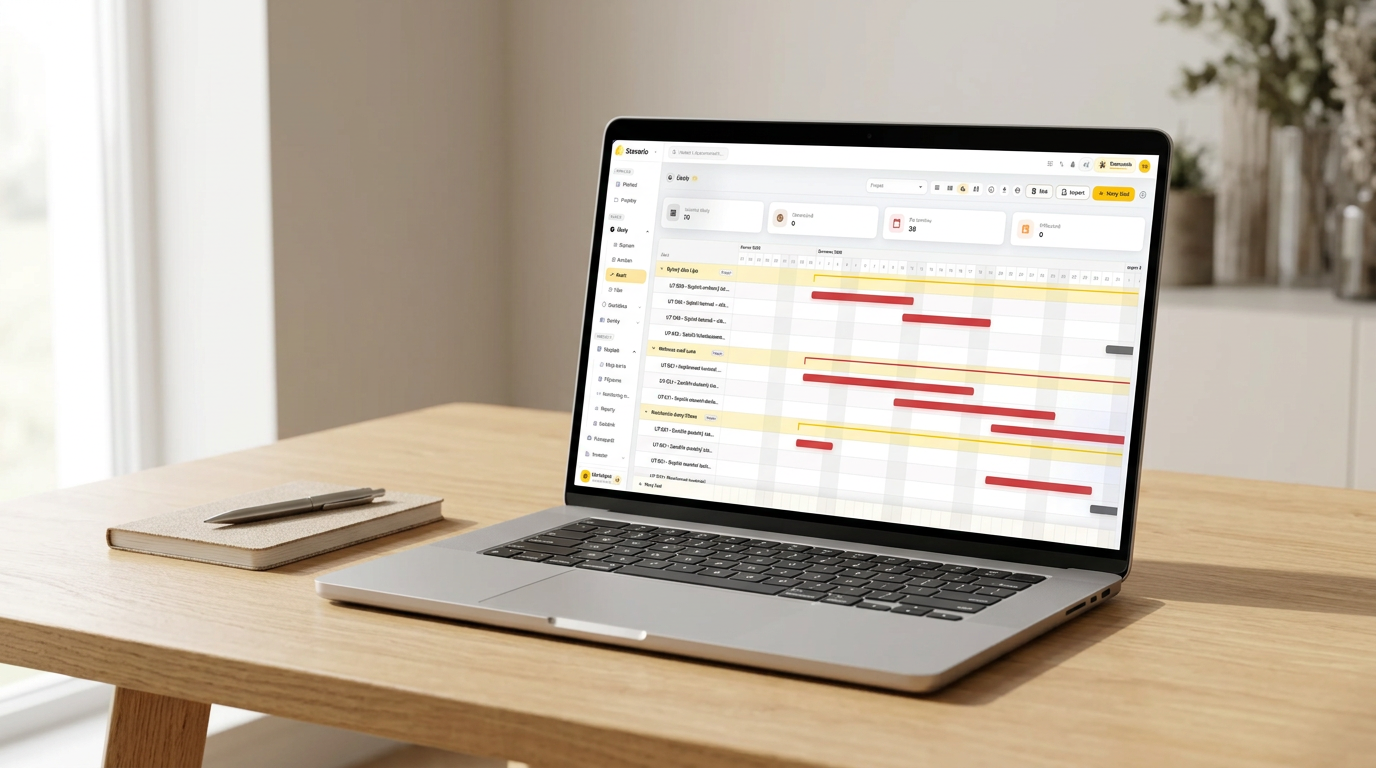
In Stavario, attendance and working time remain connected to the relevant projects. Information created on the jobsite can therefore stay part of the project, together with the construction log, instead of beginning a second life in another spreadsheet.
Mobile and GPS should make the process easier, not become the point of it
Construction sites rarely have one fixed entrance where everybody clocks in every morning. The workplace changes, employees move, and teams may start their day at different locations. A mobile device therefore makes sense as a tool for recording attendance in the field.
Location data can add useful context to a record, but GPS is not the goal by itself. A contractor does not need another dot on a map simply because the technology can provide one. The company needs reliable information about who worked on which project and when.
Technology should make that information easier to create. If clocking in requires several screens, multiple selections and unnecessary forms, the process may be digital without being practical. The simpler the field experience is, the more likely people are to use it consistently and the more reliable the data becomes.
Time tracking becomes more valuable when the data can be used elsewhere
The real usefulness of attendance data often appears after the working day is over. Knowing who was on a particular jobsite may matter not only for time records but also for project documentation, reporting and understanding what happened on a particular day.
If the company already knows which people were present on a project, that context should not need to be recreated in another process. The same applies to photos, tasks and other information generated during construction.
This is where construction time tracking starts to become part of project operations rather than a standalone administrative tool. The information does not stop being useful after hours have been counted. It can remain part of the project context for the people who need to work with it next.
Good construction time tracking does not just count hours. It keeps the context that makes those hours useful.
What contractors should check before choosing a time tracking system
The easiest question is whether the system can record clock-in and clock-out times. Contractors should go further. Can the hours be connected directly to a project? Can the system handle employees who move between jobs? Does the office have access to the data without waiting for another manual report? Does the information stay in project context, or does it immediately become another export that somebody has to process?
The field experience matters just as much. A construction company does not need workers spending several minutes every morning navigating administrative screens. Every unnecessary step increases the chance of missed, late or incomplete records.
The most useful way to assess a system is therefore to follow one piece of information from beginning to end. Start with the worker arriving on site, continue through the creation of the record, and finish with the person in the office who needs to use it. If the same data still has to be entered, searched for or explained again somewhere along that path, there is still unnecessary work in the process.
A quick test for your current setup
Pick one normal workday and one project. Can you tell, without calling anybody, who worked there, what time they started and finished, and whether those hours belong to the correct job? Can the office access the same information without waiting for paper or another manually prepared summary?
Then reverse the test. Choose one employee who worked across several jobs during the week. Can you quickly see where that person worked each day and how their time was distributed between projects?
If the answer requires several spreadsheets, paper sheets and questions to site managers, the main problem may not be recording attendance itself. The bigger problem may be that the information is not properly connected to the rest of the company’s project operations, as described on construction management software and across the full product overview.
Stavario connects attendance and working time directly with construction projects and other jobsite information. That allows contractors to know not only when somebody worked, but also to keep that information in the context where it can continue to be useful.
Test time tracking on a real construction project
The easiest way to judge a system is with a real crew on a real job. See what changes when working time stays connected to the project from the moment it is recorded.
Try Stavario for freeExplore construction time tracking
Related pages on Stavario

Josef Beneš
CEO Stavario
20+ years of experience in construction