Managing one construction project is already demanding. Once several jobs are running at the same time, the challenge changes. It is no longer just about handling an isolated delay, missing document or unexpected issue. The harder part is keeping a reliable picture of what is happening across the whole company while crews, equipment, tasks and information move between different jobsites.
A smaller construction company can manage this for a long time through experience and direct communication. The owner knows who is where, site managers remember the important details, and missing information can often be found with a quick phone call. As the number of active projects grows, however, this way of working starts to consume more and more time. Not because the team suddenly became less capable, but because the amount of information grows faster than people can realistically keep in their heads.
The solution is not necessarily more reporting. In many cases, the bigger opportunity is reducing the number of places where people need to search for basic project information in the first place.
Problems start when every jobsite becomes its own information island
Imagine a contractor managing five active projects. Installation is underway on one site, another needs an urgent decision, the schedule has changed on a third, and somebody on a fourth job needs a piece of equipment that was used somewhere else that morning. Every project creates a continuous stream of small updates.
When those updates live across spreadsheets, messages, phone calls and separate apps, somebody has to keep rebuilding the full picture. A site manager sends information to the office, the office asks for clarification, someone searches for a photo, another person checks who was on site, and management tries to understand from several different sources whether the project is still moving as expected.
With one project, that may still be manageable. Across several jobs, more and more management time begins to disappear into finding the information required to make a decision rather than making the decision itself.
The more projects you run, the less your company should depend on the right person simply knowing who to call.
One system does not mean every project has to work the same way
Every construction project is different. The team changes, the schedule changes, subcontractors vary, risks are different and each job is at a different stage. A shared system should not remove those differences. It should make sure that essential information follows a consistent logic and can be found without understanding the entire history of the project.
If a worker records time, it helps to know immediately which project that time belongs to. If a site manager creates a task, it should remain connected to the job where the issue appeared. A photo taken on site should retain project context instead of becoming one of several thousand images in somebody's phone gallery. The same principle applies to equipment, inventory and project documentation.
That allows the office to work with information created in the field without asking the jobsite to prepare it again in a different format. Data can originate where the work happens and still remain useful to people who are not physically there.
Start by knowing who is actually working on each project
People are one of the first things that become harder to track across multiple jobs. The same employee may work on two projects in a single day, crews can move based on current priorities, and the staffing of each site can change throughout the week.
A total number of hours is therefore only part of the picture. It is also important to know which project those hours belong to. If time tracking sits completely outside project management, the office may later have to rebuild that context through conversations, notes or another spreadsheet.
When attendance and working time are linked to the project from the beginning, the information becomes much more useful. The office does not have to guess where somebody worked, and site managers do not need to create separate summaries just so field information can be understood elsewhere in the company.
Tasks need to survive longer than the conversation that created them
Construction sites create new tasks all day. Something needs to be checked, repaired, ordered, completed or discussed with a subcontractor. Many of these things begin during a phone call or in a message, which is completely natural. Construction work moves quickly and communication needs to move with it.
The problem appears later. If the task remains only inside a conversation, it can become difficult after several days to remember who was responsible, whether it was completed or even exactly which part of the project it referred to. On one job, an experienced site manager may keep most of this in their head. Across several projects, the number of similar details grows quickly.
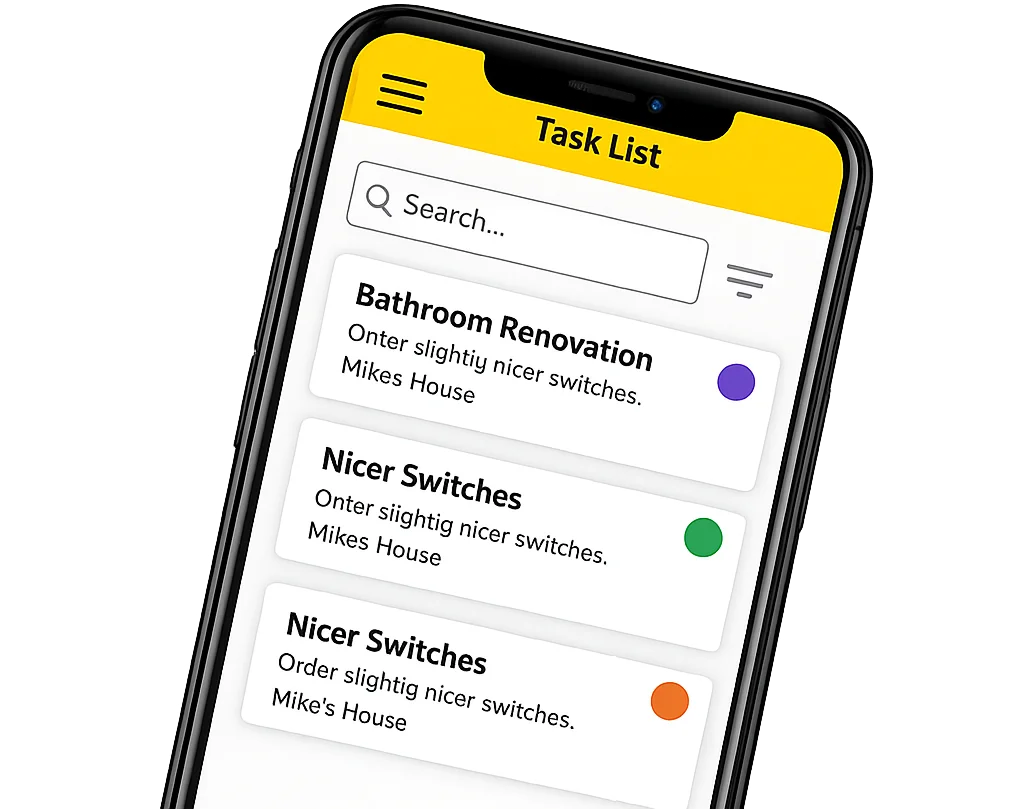
Work that needs to be completed and later checked should therefore remain connected to the project. A task can have an owner, a status and the relevant context. It no longer depends on somebody finding the right message from last week.
A schedule is only useful if it can keep up with reality
Every construction project eventually moves away from the original plan. A delivery arrives late, a subcontractor changes a date, one activity blocks another or the company needs to move people to a more urgent job. When several projects are running at once, these changes happen in parallel.
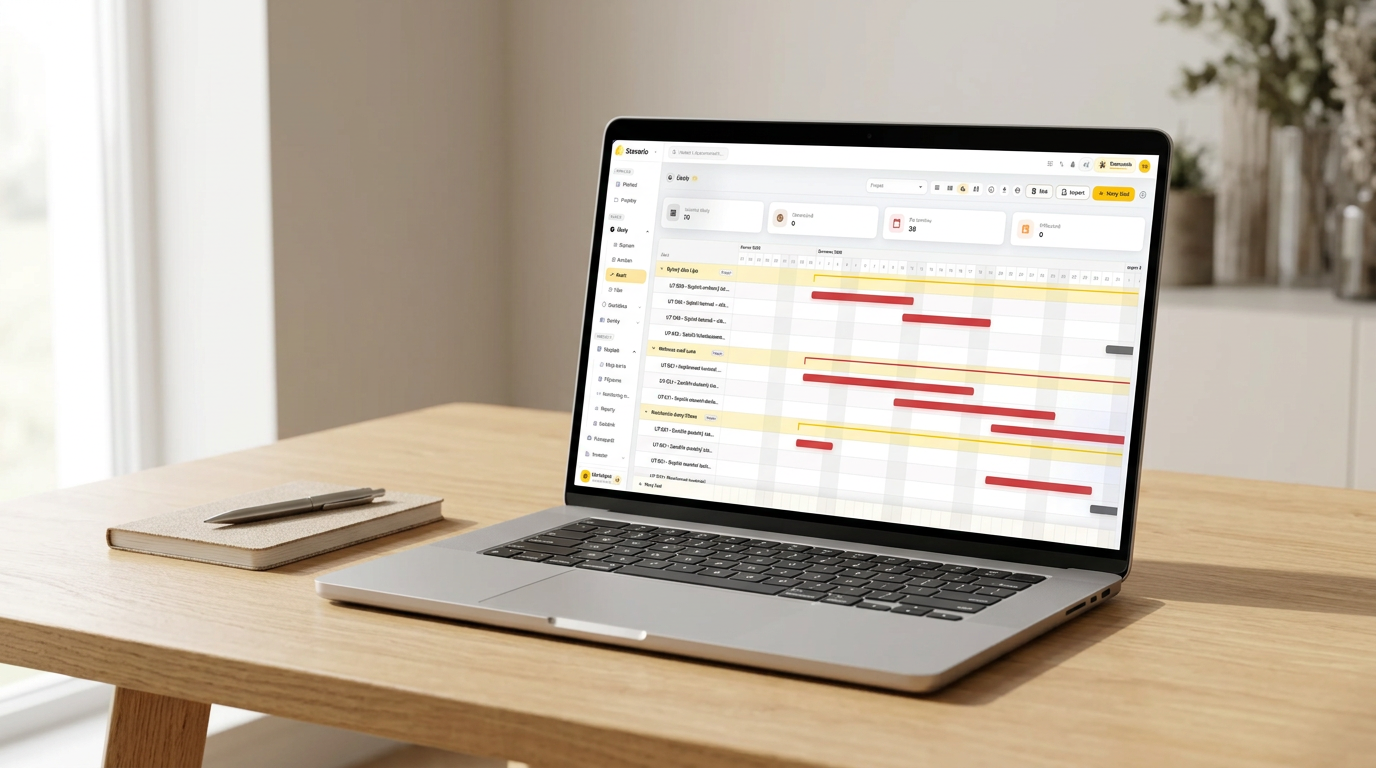
The hard part is not creating the schedule. It is keeping it relevant. If planning lives in one file while the real information about tasks and progress sits somewhere else, somebody has to continually compare those two versions of reality.
Over time, that usually means more phone calls and more manual updates. The more projects the company manages, the easier it becomes for the schedule to describe what was supposed to happen instead of what is actually happening.
Connecting planning with tasks and other project information cannot stop construction from changing. It can, however, make it easier to see where actual progress is beginning to move away from the plan and where somebody needs to respond.
Equipment moves between projects too
People are not the only resource moving between jobsites. Tools, machines and other equipment move as well. When a company has a small amount of equipment and one job, the location of most items can often be remembered. Once several projects are active, simple questions can start taking an unreasonable amount of time.
Where is the drill? Who had the device last? Did the machine return from the previous project? Is it in the warehouse, in a vehicle or on another site?
If answering that question requires several phone calls, the problem is not really the tool. It is the lack of current information about where the tool belongs in the company’s operations.
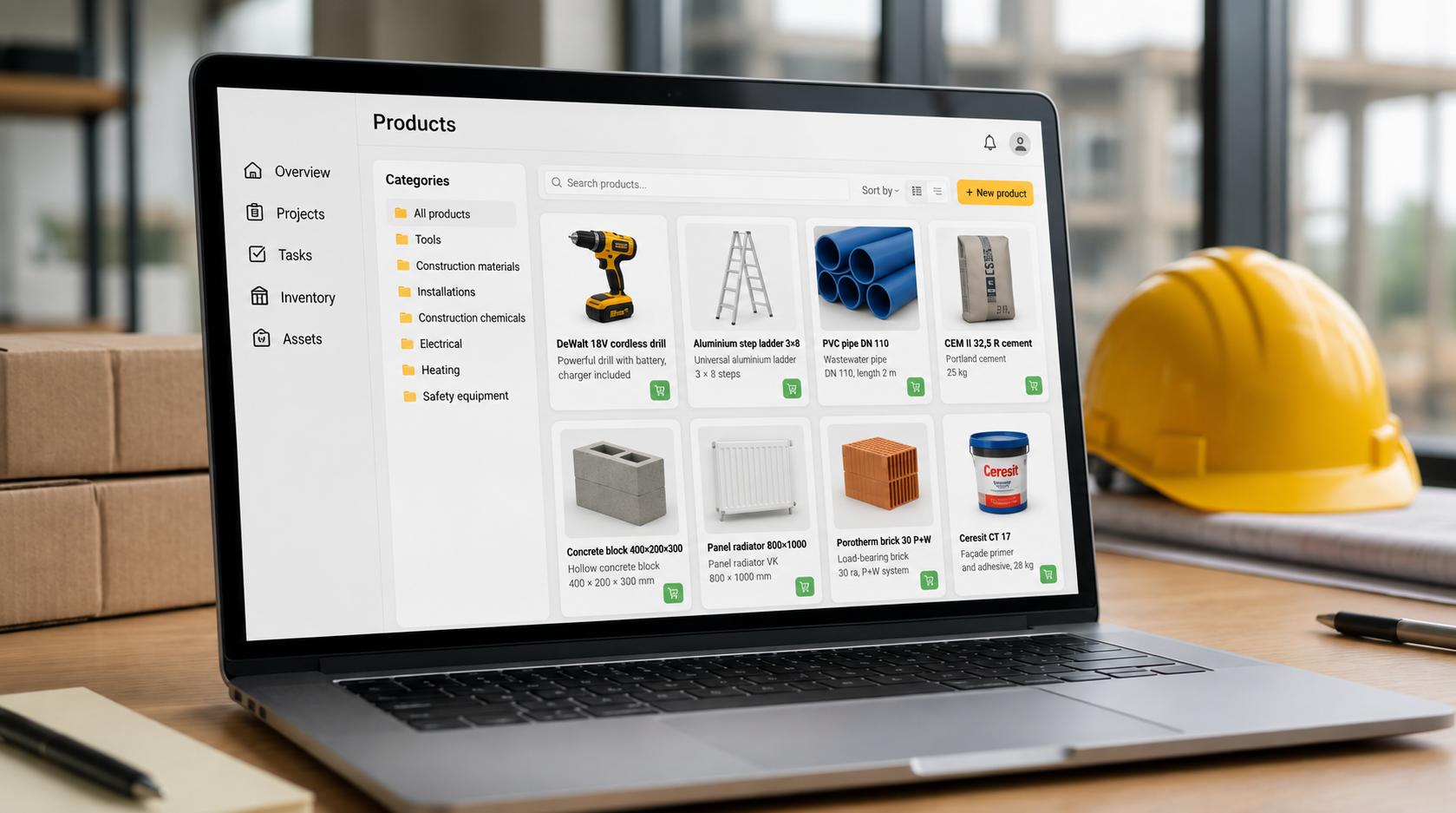
Asset management is therefore more valuable when equipment remains linked to real projects and people. The goal is not simply to maintain a list of everything the company owns. It is to know where the item the team needs actually is, and the same applies to inventory and materials.
Across multiple projects, the amount of data matters less than whether everyone knows which project that data belongs to.
Photos need to stay with the project they document
Construction companies take a lot of photos. The difficulty is rarely creating documentation. The harder part is finding the right image months later when somebody actually needs it.
When photos remain on individual phones, their context can disappear quickly. Across several projects, images from different sites become mixed together, while the person who took the photo may already be working somewhere else when the office needs it.
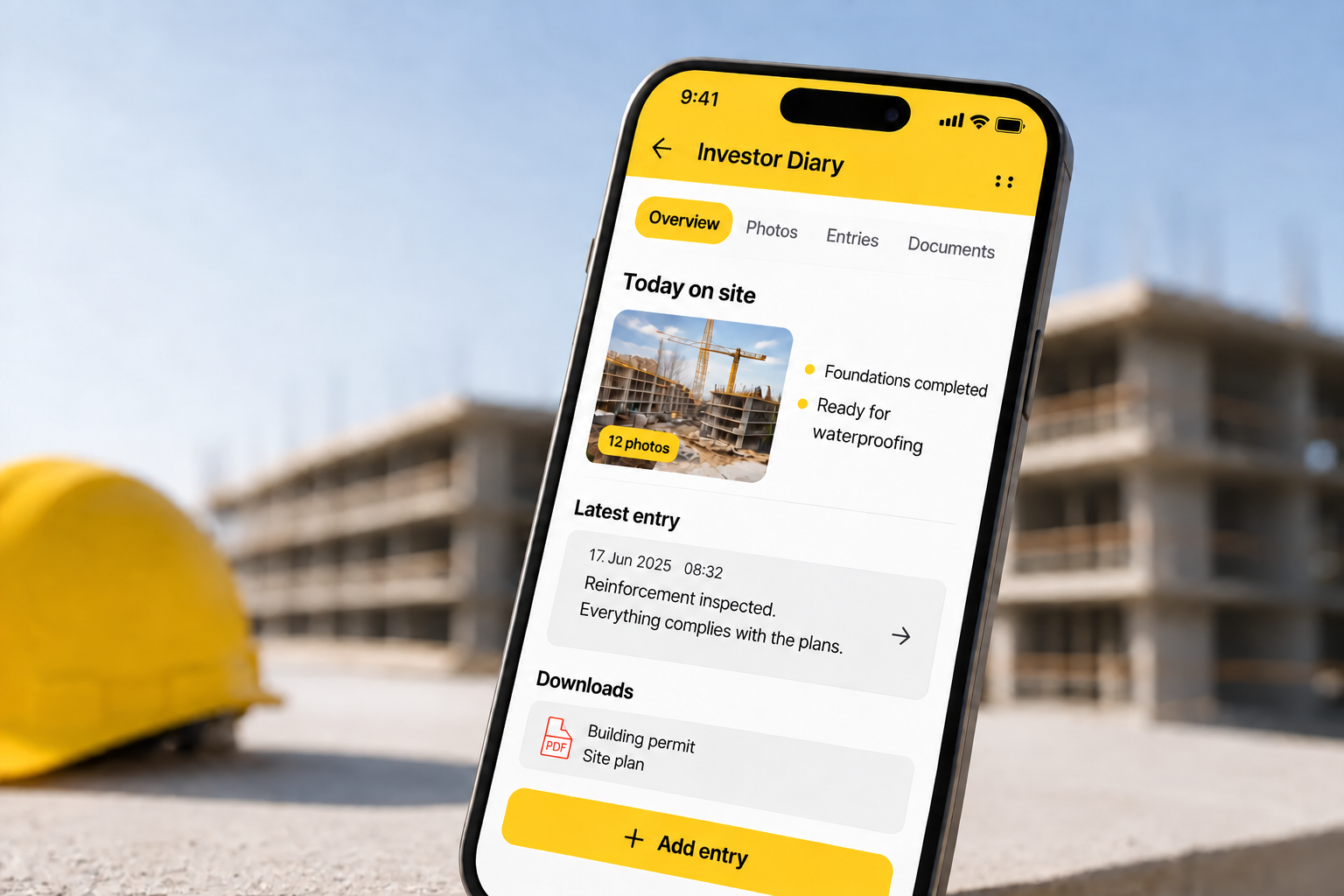
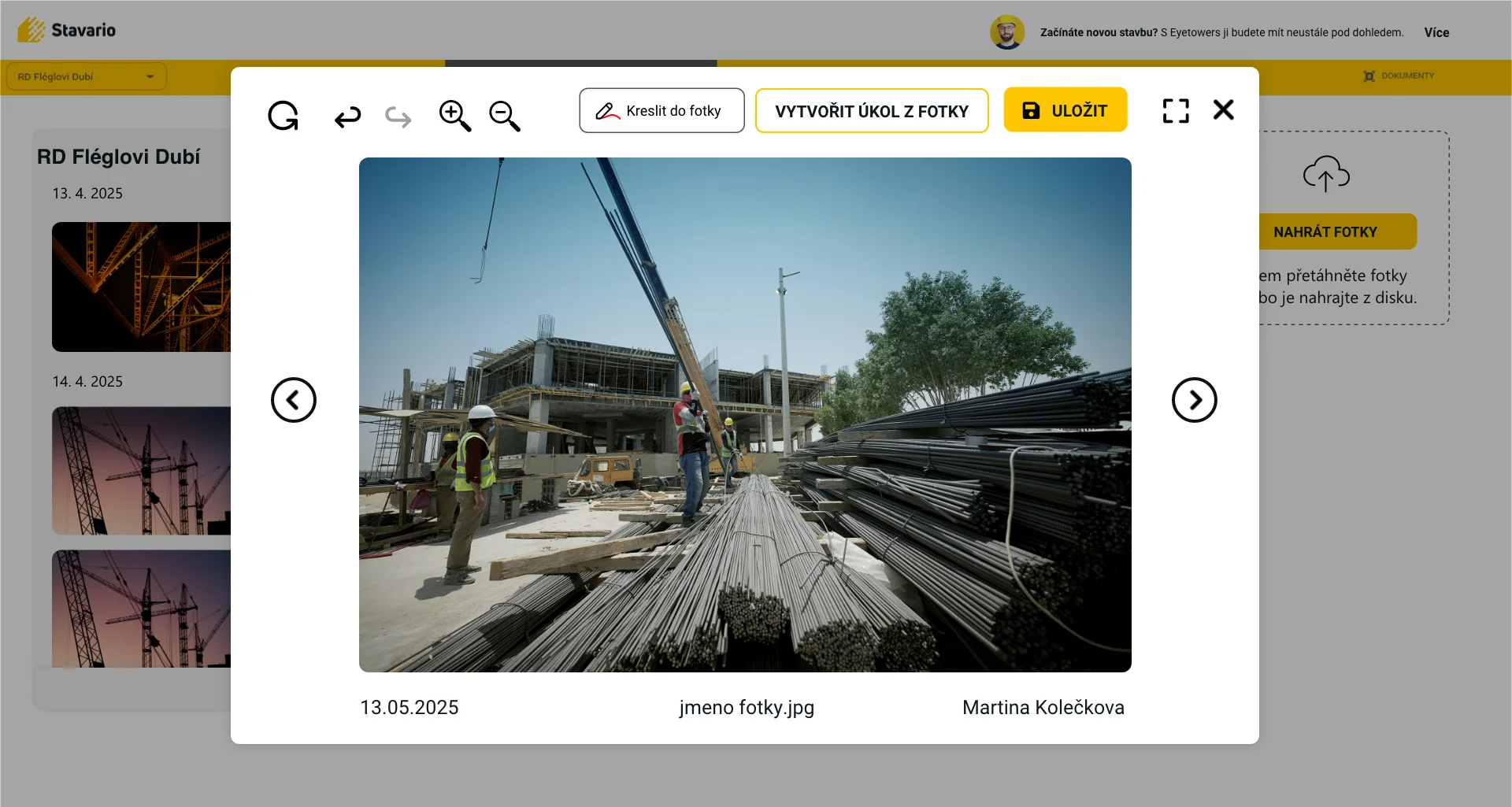
A photo linked to the right project remains more useful. It can document progress, explain a task, show the condition of work at a particular moment or help someone in the office understand a situation without calling the site manager. Photo documentation in the construction log keeps that context in one place.
The value of site photography therefore comes not only from taking the picture but from making sure it can still be found and understood later.
The owner should not have to manage five projects through five phone calls
As a construction company grows, the role of the owner or operations manager changes as well. It is impossible to be physically present on every project, and asking every site manager for a status update each day quickly becomes inefficient.
The site manager needs detail about their own job. The office needs reliable operational information it can continue working with. Management needs something different: a quick overview across several projects and the ability to see where attention is actually required.
That does not mean a dashboard replaces a conversation with a site manager. It means the conversation can begin with a specific issue rather than with the question, “What is happening on your site today?” When the basic project picture is already available, experienced people can spend more time solving problems and less time rebuilding the current status. Reports and overviews and the AI assistant can help with that overview.
The biggest value is not the number of features but the flow of information
A construction company can use a strong standalone application for time tracking, another one for planning, another for documentation and another for tasks. Every tool may perform its own job well. The difficulty begins when people have to keep moving information between them.
Stavario brings attendance, construction logs, tasks, photo documentation, planning, assets, inventory and reporting into one environment. The important part is not simply that those modules exist next to each other. The larger benefit appears when information created in one part of the project keeps its context and can be used again somewhere else.
This becomes particularly valuable when several projects are active at the same time. Construction companies rarely suffer from having no information at all. More often, the problem is that they cannot turn the information they already have into a fast and reliable view of what is happening.
A simple way to test whether your company is losing control of information
Start with a few ordinary questions. How many people are working on each project today? Which important tasks are overdue? Where is the equipment needed tomorrow? Can you quickly find photos from a particular stage of work? Which projects are beginning to move away from their schedule?
If those questions can be answered without calling several people, searching through conversations and opening multiple spreadsheets, your information flow is probably working reasonably well. If every question triggers a small investigation, the problem may not be the number of projects. It may be the way information moves between them.
Stavario is designed to connect daily work on the jobsite with the information needed by the office and company management, as described in more detail on construction management software. With several active projects, the effect becomes especially visible because every piece of information that does not need to be searched for, requested or entered again saves time across the whole operation.
Try Stavario across your own construction projects
The easiest way to see the difference is on real jobs. See what changes when information created on the jobsite stays connected to the project and does not need to be collected again from scratch.
Try Stavario for freeExplore construction management software
Related pages on Stavario

Josef Beneš
CEO Stavario
20+ years of experience in construction