
The problem is often not that a contractor does not own the right equipment. The problem is that nobody can quickly say where it is. One tool is in storage, another is in a van, something was moved to another job, and a replacement is already being discussed. Good equipment tracking starts with a simple question: can the team find the right asset without calling three people first?
Construction tools and equipment rarely stay in one place for long. A laser level leaves the warehouse in the morning, a power tool stays in a crew van, a specialist machine moves to another job in the afternoon and a set of equipment is handed to a different team for the rest of the week.
When the business is small, most of this can be managed through memory.
The warehouse person knows who took the drill. The site manager remembers that the laser was needed somewhere else yesterday. A foreman knows that a machine is probably still in the van.
That informal system can work surprisingly well.
Until the person who knows is not available.
Or until several projects start moving equipment at the same time.
Then a familiar search begins.
Who has it? Which job was it on last? Did it come back? Is it in the vehicle? Did another crew take it?
The equipment may not actually be lost.
But operationally, it is unavailable.
That distinction matters because contractors lose more than the value of missing tools. They lose time searching, driving between jobs, delaying work or arranging replacements for equipment the company may already own.
That is why equipment tracking is not just an inventory problem.
It is an operations problem.
The tool may not be missing. The information is.
A construction business can own ten drills and still have a problem when one specific crew needs a drill tomorrow morning.
The asset register may say the company owns ten.
That does not tell the site manager which ones are available.
One may be on Project A. Two may be in service. Another could be in a van. One may have been handed directly from one crew to another without the movement being recorded.
From a financial perspective, the company owns the equipment.
From an operational perspective, availability is unclear.
That is where many asset registers stop being useful.
They answer:
What do we own?
They do not always answer:
Where is it?
Who has it?
Which project is using it?
When was it last handed over?
When was it last seen?
Can another job use it tomorrow?
Those questions become more important as the company grows.
Equipment is a shared resource.
And shared resources create friction when nobody has a reliable picture of where they are.
The cost of searching is easy to underestimate
Looking for one missing tool may take ten minutes.
That sounds insignificant.
But the same type of search can happen across several crews every week.
A foreman calls the warehouse. The warehouse calls a site manager. The site manager asks another worker. Somebody checks a van. Another person drives to the wrong location.
The actual search may involve four people, even though only one tool is missing.
Then there is the knock-on effect.
A crew may not be able to start a task. A replacement may be rented. Another tool may be purchased because it is faster than continuing the search.
These costs rarely appear under a line called “poor equipment visibility”.
They are spread across labour, transport, rental, purchasing and lost productivity.
That is why the most useful measure is not how many tools are technically missing.
A better question is:
How much time does the company spend proving where its own equipment is?
If the answer is “more than we would like to admit”, the problem is already operational.
An asset list is not the same as equipment management
Many contractors already keep an asset list.
It may contain the asset name, serial number, purchase date, value, warranty information and perhaps the employee responsible for it.
That is useful.
It supports accounting, insurance, inventory checks and administration.
But it does not necessarily support the daily jobsite.
Knowing that the company owns a rotary laser is different from knowing where the rotary laser is today.
This is the difference between inventory and operational asset management. The same gap shows up with consumables, as described in the article on construction material management software.
Inventory answers:
What exists?
Operational asset management adds:
Where is it currently assigned?
Who is responsible for it?
Which project is it connected to?
What was its last known location?
What happened to it after the last handover?
A contractor does not need all of these details for every screwdriver.
But for equipment that is expensive, frequently moved or critical to a task, the difference matters.
Ownership is not the same as availability.An asset register can prove that the company owns a tool. The jobsite needs to know whether that tool is available, where it is and who had it last.
A simple test: how often does someone ask “who has it?”
Not every construction company needs sophisticated equipment tracking.
If the business has a small team, one storage area and limited equipment movement, a simple issue-and-return process may be enough.
The better test is what actually happens during the week.
If several of these situations are common, the current process is probably already costing time:
- crews regularly call to ask who has a particular tool,
- equipment moves directly between jobs without a recorded handover,
- tools are searched for in storage even though they have been sitting in a van for days,
- site managers reserve equipment “just in case” because they do not trust availability data,
- replacement tools are bought or rented even though suitable equipment exists elsewhere in the company,
- work cannot start until somebody finds the required device,
- nobody is sure which equipment belonged to an employee after a role or team change,
- the last known location can only be reconstructed through several calls.
Each example looks small.
Across multiple jobs and several months, they add up.
There is also a trust problem.
Once site managers stop believing the asset data, they stop checking it.
They call instead.
At that point, the digital system exists, but the operational system is still human memory.
Good equipment management therefore needs more than complete records.
It needs records that are current enough to be useful.
Handovers matter more than the annual stocktake
Companies often pay close attention to equipment during an annual inventory.
Everything is counted, checked and reconciled.
The bigger loss of control usually happens during the rest of the year.
A tool is issued from storage. A crew takes it to one job. It moves directly to another. A different worker takes responsibility for it. Later it remains in a vehicle.
Every step may make perfect sense.
The problem appears when the sequence is not visible afterwards.
That is why everyday handovers matter more than a perfect list once a year.
A useful handover does not need to be complicated.
It should answer three simple questions:
What moved?
Where did it go?
Who or what is it now associated with?
The easier this is to record, the better the chance that people will actually do it.
If every equipment handover requires a long form with multiple mandatory fields, the site will create a shortcut.
That is human behaviour, not a technology failure.
The process has to be easier than the informal alternative.
Do not track every tool the same way
A construction company does not need the same level of control for every asset.
Treating a screwdriver like a specialist machine creates administration without much benefit.
A more practical approach is to prioritise equipment using three factors.
The first is value.
Expensive machinery, specialist measuring equipment and high-value power tools usually justify stronger control.
The second is mobility.
A machine that stays on one job for six months presents a different tracking problem from a tool that moves between crews, vans and sites every day.
The third is operational impact.
A relatively inexpensive specialist tool may deserve close tracking if a crew cannot complete an important task without it.
The right question is therefore not only:
How much is the equipment worth?
It is also:
What happens if we do not know where it is tomorrow morning?
That question creates a much better starting point.
Begin with equipment that is expensive, frequently moved or operationally critical.
Do not start by tagging every small item the company has ever purchased.
A small accurate system is more useful than a large asset database that nobody updates.
Location does not always mean GPS
Equipment tracking is often associated with a map and a moving dot.
For many construction tools, that level of location is unnecessary.
The practical question is usually not:
Which exact square metre is the tool sitting on?
It is:
Is it in the warehouse, in a vehicle, on Jobsite A or with Crew B?
That level of context can be enough to reduce most searching.
It is also important because different tracking technologies solve different problems.
GPS can be appropriate for certain vehicles, plant or high-value mobile assets.
It is not necessarily the right technology for every small tool.
Bluetooth-based monitoring works differently.
A Bluetooth tag does not continuously broadcast a live GPS position across long distances.
Instead, the tag can be detected when it comes into range of a compatible gateway or detection point.
That can create a useful last known context.
A tool may be detected in the warehouse in the morning, then in a company vehicle, then at a jobsite.
If somebody looks for it the following day, the search does not need to begin across the entire business.
The information may say:
Last detected at Project Riverside.
That is not centimetre-level live tracking.
It is still far more useful than “somebody probably had it last week”.
What Bluetooth tracking can actually tell you
Bluetooth monitoring is useful when its limitations are understood.
It is not a promise that the business can always open a map and see every tool moving in real time.
Its strength lies in detecting proximity.
A tagged asset comes within range of a compatible detection point. That event is recorded.
Over time, those detections can create a simple movement trail.
Warehouse in the morning.
Vehicle later.
Jobsite in the afternoon.
For equipment that regularly moves between known operational locations, this can be extremely useful.
It narrows the search.
Instead of asking the entire company who last saw a piece of equipment, the team has a starting point.
This is particularly relevant for tools that move often but do not justify dedicated GPS hardware.
It also reduces dependence on perfect manual handovers.
A manual assignment can say which project or employee should have the equipment.
Bluetooth monitoring can add another piece of information about where it was actually detected.
Neither system is perfect on its own.
Together, they create a stronger picture.
That is the important point.
Technology does not remove responsibility from the process.
It adds evidence to the process.
The best equipment system connects the tool, the person and the project
Equipment in construction is never just an asset number.
Somebody uses it.
It is needed for a specific job.
It moves through a real operational context.
Those relationships are often more important to the team than technical inventory details.
If a core drill is needed tomorrow, the first question is probably not its serial number.
The useful questions are:
Which project has it?
Who was responsible for it?
Was it transferred?
Where was it last seen?
Is it likely to be available?
That is why asset management becomes more useful when it sits closer to project operations.
It also makes responsibility clearer.
That does not mean equipment tracking should become an employee surveillance system.
A record of responsibility is primarily there to reduce uncertainty.
If the equipment changes hands, the information should change with it.
The goal is not to catch somebody doing something wrong.
The goal is to stop four people from reconstructing the same handover two weeks later.
What construction equipment tracking software should actually do
When comparing equipment tracking systems, it is easy to focus on long feature lists.
A better approach is to start with the questions crews and managers ask every day.
Can an asset be assigned to a person, project, vehicle or location?
Can the team quickly see its current or last known context?
Can a normal handover be recorded without creating unnecessary admin?
Is there a history of what happened to the equipment?
Can the system distinguish between different types of assets?
Can office and field teams access the information they need?
Can selected equipment use additional monitoring where that makes sense?
Then ask the most important question:
Will people actually use it?
A highly sophisticated tool tracking system that requires too much manual work will eventually become inaccurate.
A simpler process that stays close to the jobsite may provide more value.
The best software does not create the biggest asset database.
It reduces the time between somebody asking:
“Where is it?”
and finding a useful answer.
When does GPS make sense, and when is last known location enough?
There is no single tracking method that fits every type of construction equipment.
GPS can make sense for assets that travel long distances, have high value or need regular location visibility without passing through known company locations.
Large plant, vehicles or certain mobile machines may fall into this category.
Smaller tools create a different problem.
They move through environments the company already knows.
Warehouse.
Van.
Jobsite.
Employee.
For these items, a reliable last known context may provide most of the operational value without requiring constant location data.
This is why tracking strategy should be based on the problem rather than the technology.
Do not ask:
Can we put GPS on everything?
Ask:
What information do we need in order to stop losing time?
For one asset, the answer may be a live vehicle location.
For another, it may simply be knowing that the tool was last detected on the right project yesterday afternoon.
How equipment management works in Stavario
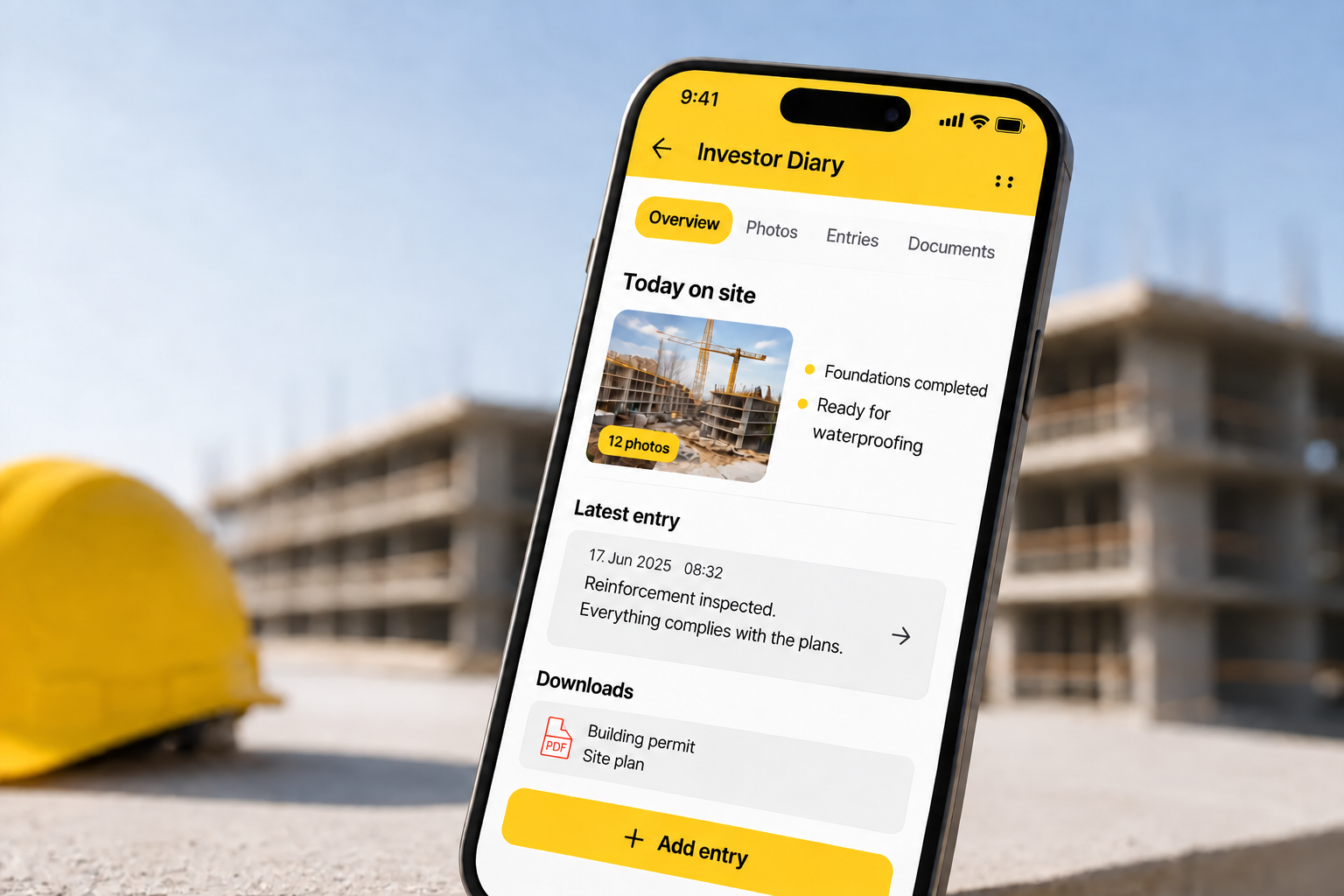
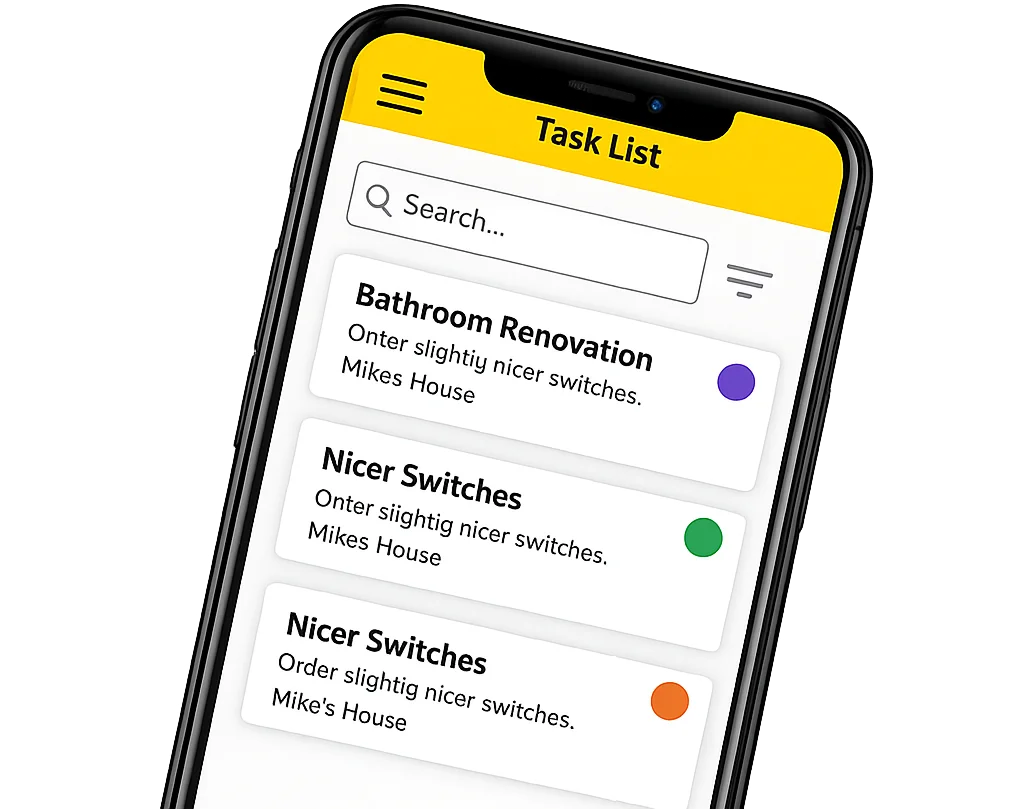
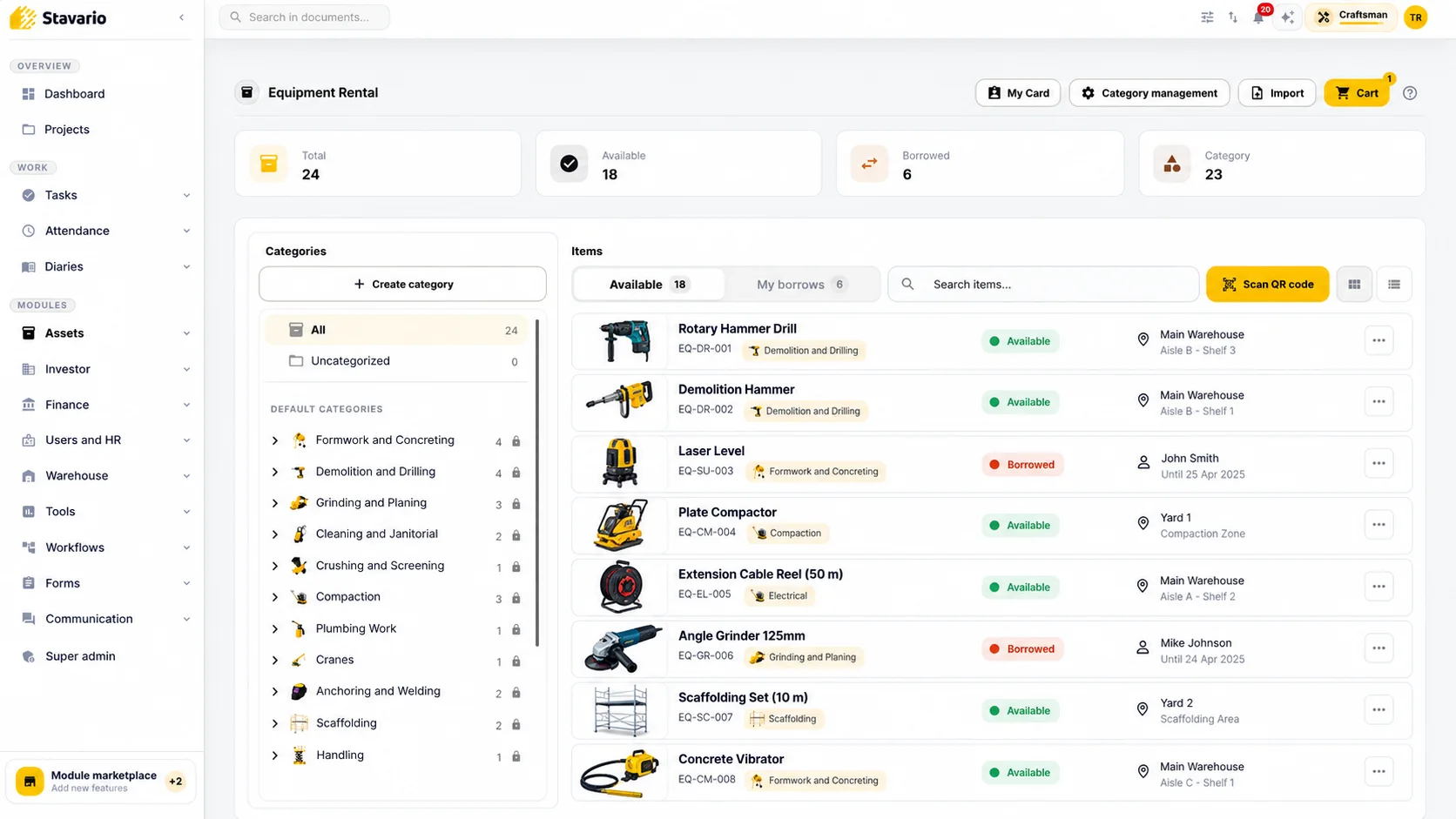
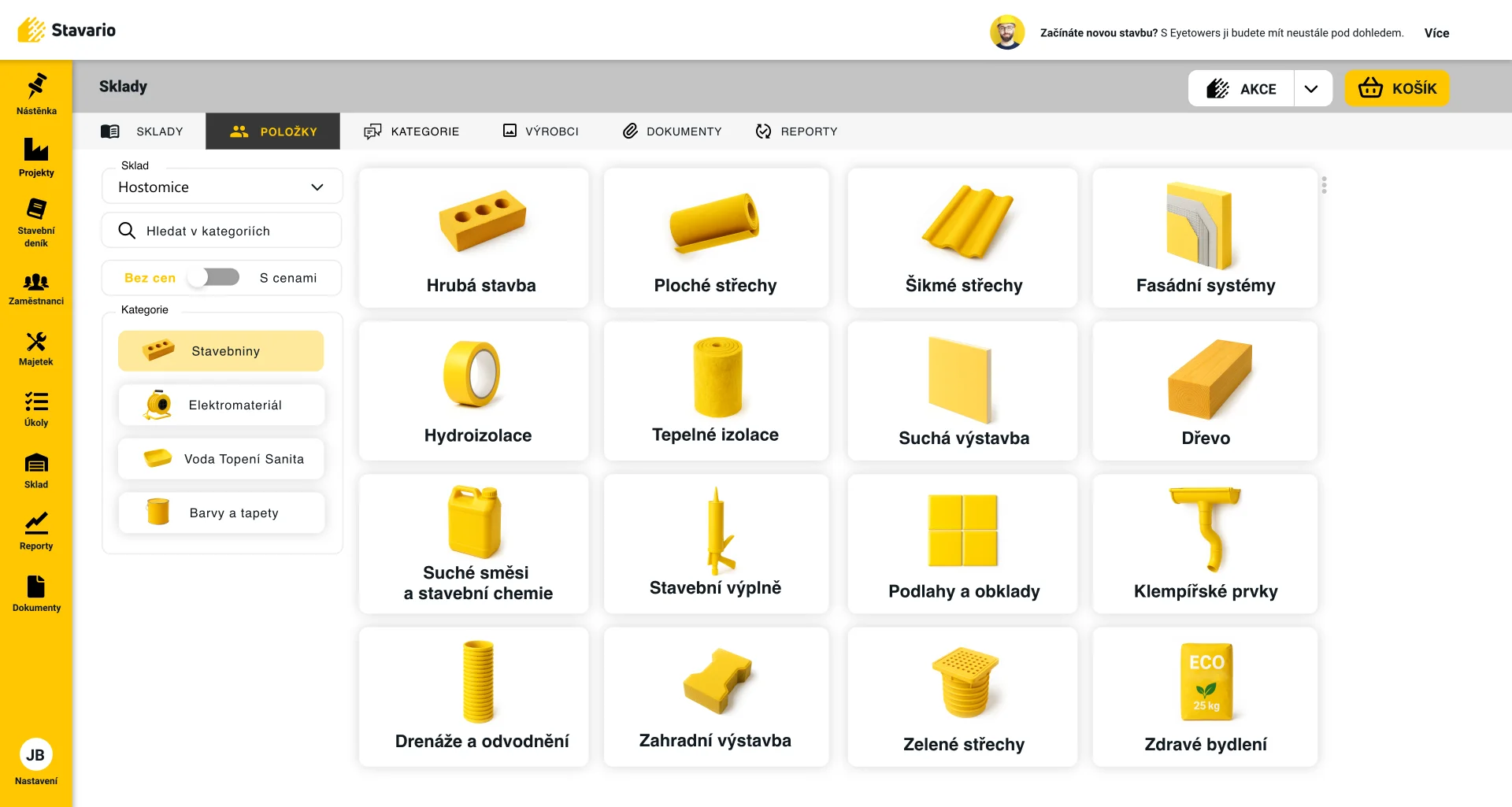
In Stavario, assets and equipment are managed in the same environment as projects, tasks, construction documentation, time tracking, warehouses and other operational information. Equipment sits inside the wider construction management software, next to warehouses and materials.
This allows equipment to be managed in project context instead of existing only as an isolated inventory list.
Assets can be connected with relevant responsibility and project information so the company has a clearer picture of how equipment is being used.
For selected equipment, Stavario also supports Bluetooth-based monitoring.
Tagged equipment can be detected through compatible monitoring points, helping the company understand where an item was last seen, such as a warehouse, vehicle or jobsite.
This is particularly useful for tools and assets that regularly move between known locations.
The monitoring does not replace every manual assignment.
It adds another layer of real movement information.
That combination is useful because it connects three perspectives:
what the company owns,
where the asset belongs operationally,
and where it was last detected.
The result is more useful than an inventory list alone.
Stop searching across the whole company.
In Stavario, equipment can be managed in the context of projects and responsibilities. For selected assets, Bluetooth monitoring can also show where the item was last detected.
Start with the ten tools people search for most
A contractor introducing equipment tracking does not need to begin by importing every asset the company owns.
Start with ten.
Choose the tools people regularly search for, the equipment that is frequently moved or the assets whose absence genuinely disrupts work.
Assign them to the relevant people, projects, vehicles or locations.
Record important handovers.
If Bluetooth monitoring is appropriate, add it to a selected subset and see whether last known detections are useful in everyday work.
Then wait a few weeks and ask a simple question.
How often did somebody still have to call around to find one of those ten assets?
If the answer is significantly less often, the process is working.
Then expand it.
If the same equipment is still being located through phone calls, there is little value in adding another thousand items to the asset database.
The quality of construction equipment tracking is not measured by the number of tagged assets.
It is measured by how often people no longer need to say:
“Does anyone know who has this?”
Start with the equipment you keep searching for
Add a small set of real tools and assets to Stavario, assign them to live projects or responsibilities and see whether the team can find their current or last known context faster.
Frequently asked questions

Josef Beneš
CEO Stavario
20+ years of experience in construction