A smaller contractor does not need the most complicated construction platform on the market. It needs a system that people on site will actually use, that gives the office reliable information without asking for everything twice, and that can grow without turning everyday work into administration. The difficult part is not finding software with enough features. It is finding the right amount of software for the way your company really works.
Most construction companies do not wake up one morning and decide they need construction management software. The decision usually begins with irritation.
A project manager asks for the latest photos and receives them through three different WhatsApp conversations. Timesheets arrive at the end of the week and someone has to work out which hours belong to which job. A construction log is written from memory after the site manager gets home. A tool is needed on one project, but nobody is sure whether it is in the warehouse, in a van or on another job. Management wants to know what is happening across five active sites and the answer requires several phone calls.
None of these problems is catastrophic on its own. That is exactly why companies tolerate them for so long. Each workaround takes only a few minutes. One spreadsheet here, one message there, one call to a site manager. The cost becomes visible only when the same information is requested, copied, checked and entered again hundreds of times across several projects. At some point, the contractor starts looking for software.
And this is where another problem begins. The market is full of systems with long feature lists. Project planning. Tasks. Documents. Time tracking. Forms. Reports. Photos. Assets. Inventory. AI. Integrations. Looking at those lists, almost every platform can appear suitable.
The better question is not: “Which software has the most features?” It is: “Which repeated work do we want to remove from the company?”
Start with the information your company keeps creating twice
Before booking demonstrations, make a simple list of the information that moves through your business every day. Who came to site? What did they work on? What happened on the project today?
Which tasks are still open? Where are the latest photos? What material was issued? Where is a particular piece of equipment?
Has the programme changed? What does the office need from the site manager? What does the site manager need from the office? Now look at how many times the same facts are entered or requested.
A worker records hours. The site manager later writes who was on site. The office asks which project those hours belong to. The construction log contains another version of the same day. A photograph is taken on site. It is sent into a group chat. Later somebody downloads it, renames it and uploads it into project documentation. A task is agreed during a call. Somebody writes it into a notebook. Later it appears in an email. Three days afterwards another person asks whether it has been completed.
This duplication is one of the best signals that a company has outgrown its current setup. The same pattern shows up with consumables, as described in the article on construction material management software, and with tools, covered in the guide to construction equipment tracking.
Construction management software should reduce those repetitions. If a new platform simply creates another place where the same information has to be entered, it has not solved the problem. It has digitised the duplication.
Do not buy software for the office that the jobsite will reject
A construction management system can look excellent during a sales demonstration. The interface is clean. Reports are impressive. The office can see everything. Then the system reaches the jobsite.
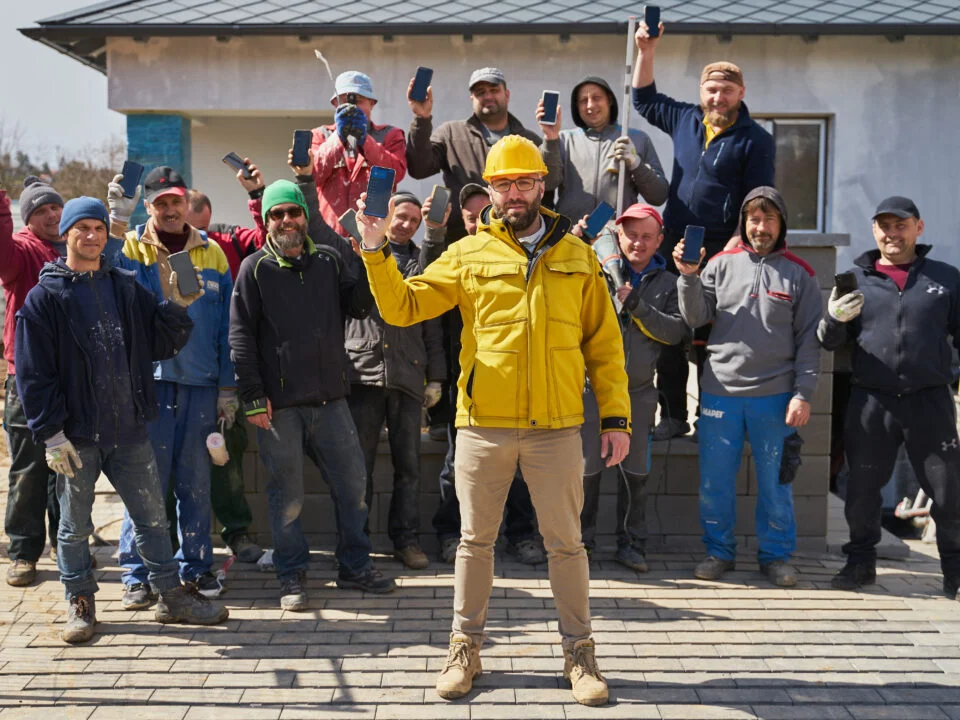
A worker needs six taps to record something that previously took one message. A site manager has to complete fields that make sense to the office but not to the person standing in rain next to a delivery. Uploading a photo requires choosing several categories. The team gradually stops using the app.
Then the office begins asking for information again. The company technically owns construction management software. Operationally, it is back on WhatsApp. This is one of the most important criteria for a smaller contractor.
Field adoption matters more than theoretical sophistication. A system only has value if the people closest to the work create enough reliable information for everybody else to use. That does not mean every worker needs access to every feature. Quite the opposite.
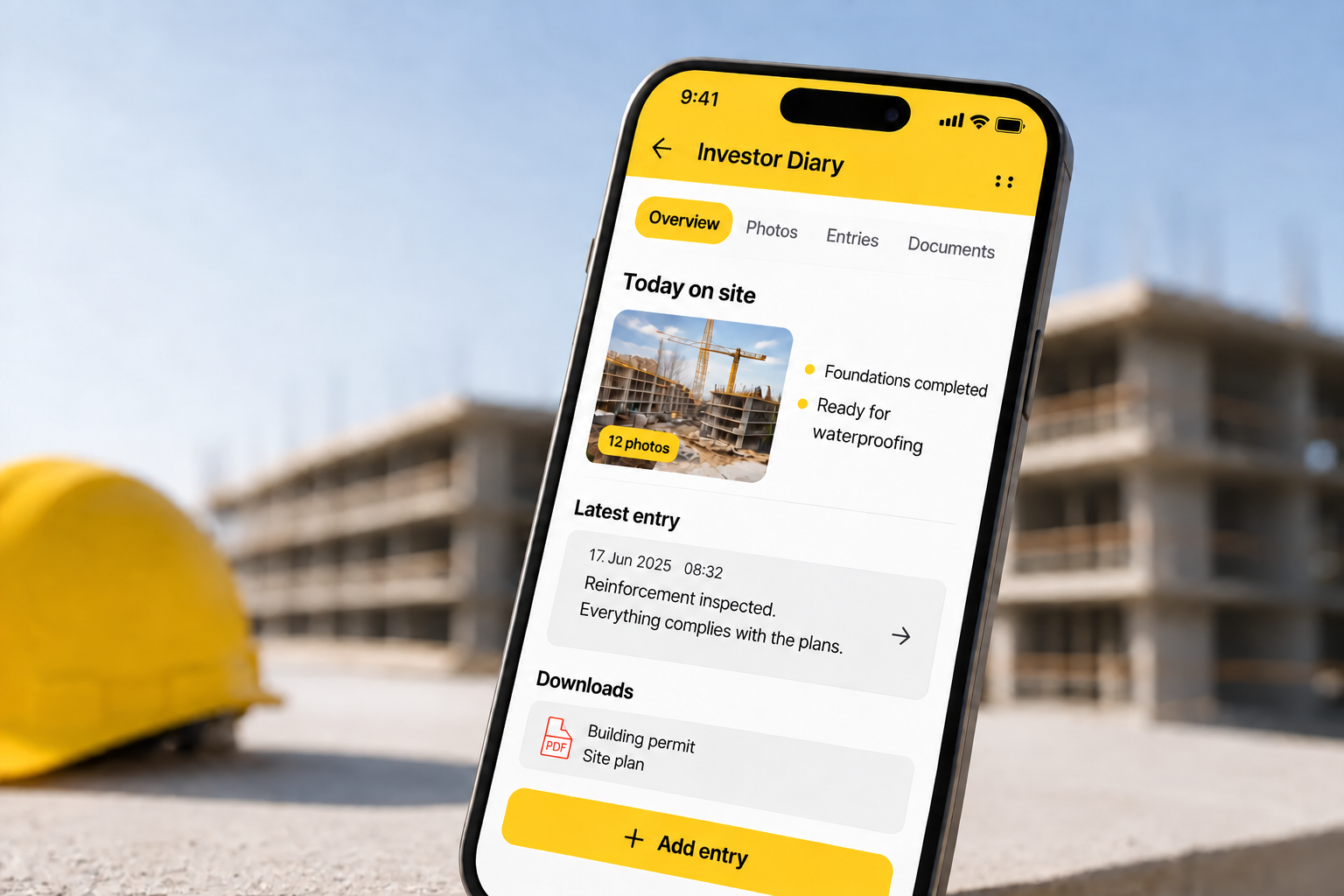
People in the field should see the parts of the system relevant to their work. The office may need broader project information. Management needs overview. An investor may need a different level of visibility again. Good construction software recognises that these people are working with the same project but do not need the same interface.
The best system is not the one your office understands fastest.It is the one that gives the office better information without making life harder for the people who have to create that information on site.
Look for workflows, not isolated modules
A feature list tells you what software contains. A workflow tells you whether those features actually help each other. This difference matters. Imagine a contractor buys one app for time tracking, another for tasks, a separate digital construction log and a cloud drive for photos. Every individual tool may work well.
The company is still responsible for connecting the information. When somebody asks what happened on Project A last Tuesday, the answer may require opening four systems. Who was there? Open the attendance app.
What work was planned? Open the task system. What was documented? Open the construction log.
What did the site look like? Search the photo folder. Digitalisation has taken place. Fragmentation has not changed.
When evaluating construction management software, test complete workflows instead of individual screens. For example: A worker arrives on site. Can attendance be connected with the correct project?
A site manager takes photographs during the day. Do those photographs remain connected to the project? A problem appears. Can it become a task for the right person without being lost in chat?
At the end of the day, information is needed for the construction log. Does the site manager have to reconstruct everything again? A manager opens the system the following morning. Can they understand what changed without calling every project manager?
That is a more useful evaluation than asking whether the software contains ten or twelve modules.
You probably do not need everything on day one
Smaller contractors sometimes make one of two mistakes. The first is buying software that is too small. It solves one problem, usually time tracking or the construction log, but the business soon needs another tool for tasks, another for planning and another for assets. Fragmentation begins again. The second mistake is buying a system designed for an organisation far more complex than their own.
Every workflow requires configuration. Every user needs training. The system offers hundreds of options, but the company uses ten of them. People begin working around the software because the process is heavier than the problem. The right system should leave room to grow without forcing the company to implement everything at once.
A contractor might begin with construction logs and attendance because those are the biggest pain points.
Later, tasks are added. Then asset management. Then warehouses or planning. The important thing is that these areas can work within the same operational environment when the company needs them.
That is different from trying to deploy the entire platform in week one. Software should allow gradual adoption. The company should not have to become a different company just to use the software.
Ask what happens when you run five jobs instead of one
A tool that works perfectly for one project may behave very differently when several projects are active. This is particularly important for growing contractors. At one job, the owner may know almost everything personally. They know who is on site.
They know which tasks are delayed. They know which machine is there. They remember yesterday's client call. Add four more projects and the same management style becomes difficult.
The problem is not simply more data. It is more relationships between data. One crew moves from Project A to Project B. Equipment has to follow.
A delay on one site changes the schedule elsewhere. The same office employee needs information from several site managers. A new project begins before another one finishes.
Construction management software should make this growth easier, a subject covered in more detail in the article on managing multiple construction projects without losing control.
When evaluating a platform, do not only test a perfect single project. Create several realistic projects. Give them different people. Add open tasks.
Move dates. Assign equipment. Imagine the company on a Monday morning. Can management quickly see where attention is needed?
Or does the software still require opening every project individually and asking the same questions? The point of a system is not simply to store project data. It is to help the business understand several projects at the same time.
The dashboard matters less than the information behind it
Dashboards sell software very well. Green numbers. Progress bars. Charts. Project cards. They create an immediate feeling of control. But a dashboard is only as useful as the data underneath it.
If attendance is not updated, tasks are not closed and project information is days behind, a beautiful dashboard simply displays stale information more elegantly. When testing software, ask where each important number comes from. Is it created automatically from normal activity? Does somebody have to enter it manually?
How often? Who is responsible? What happens if they forget? This is especially important for smaller companies because administration is usually not somebody's only job.
The same person managing the project may also be solving technical questions, coordinating subcontractors, speaking with the client and dealing with deliveries. Every additional reporting requirement competes with real work. The best systems therefore reuse information that already arises during normal operations. A completed task changes the project picture.
Attendance data shows who is actually working. Photos document progress. A material issue changes stock. A project update should feed the overview.
The less separate reporting the system requires, the more realistic its data is likely to become.
Decide what must be mobile
Construction does not happen behind a desktop monitor. That sounds obvious, but it is easy to evaluate software mainly from the office interface. For a contractor, mobile usability is not an optional extra. It affects whether information reaches the system at all.
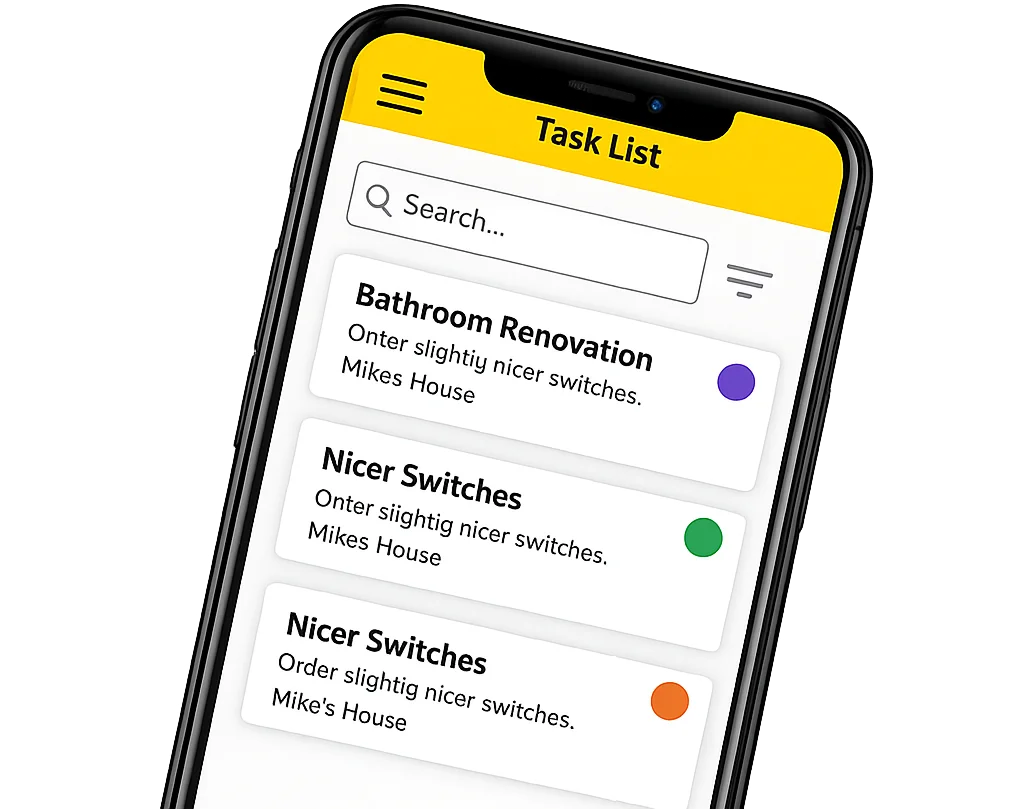
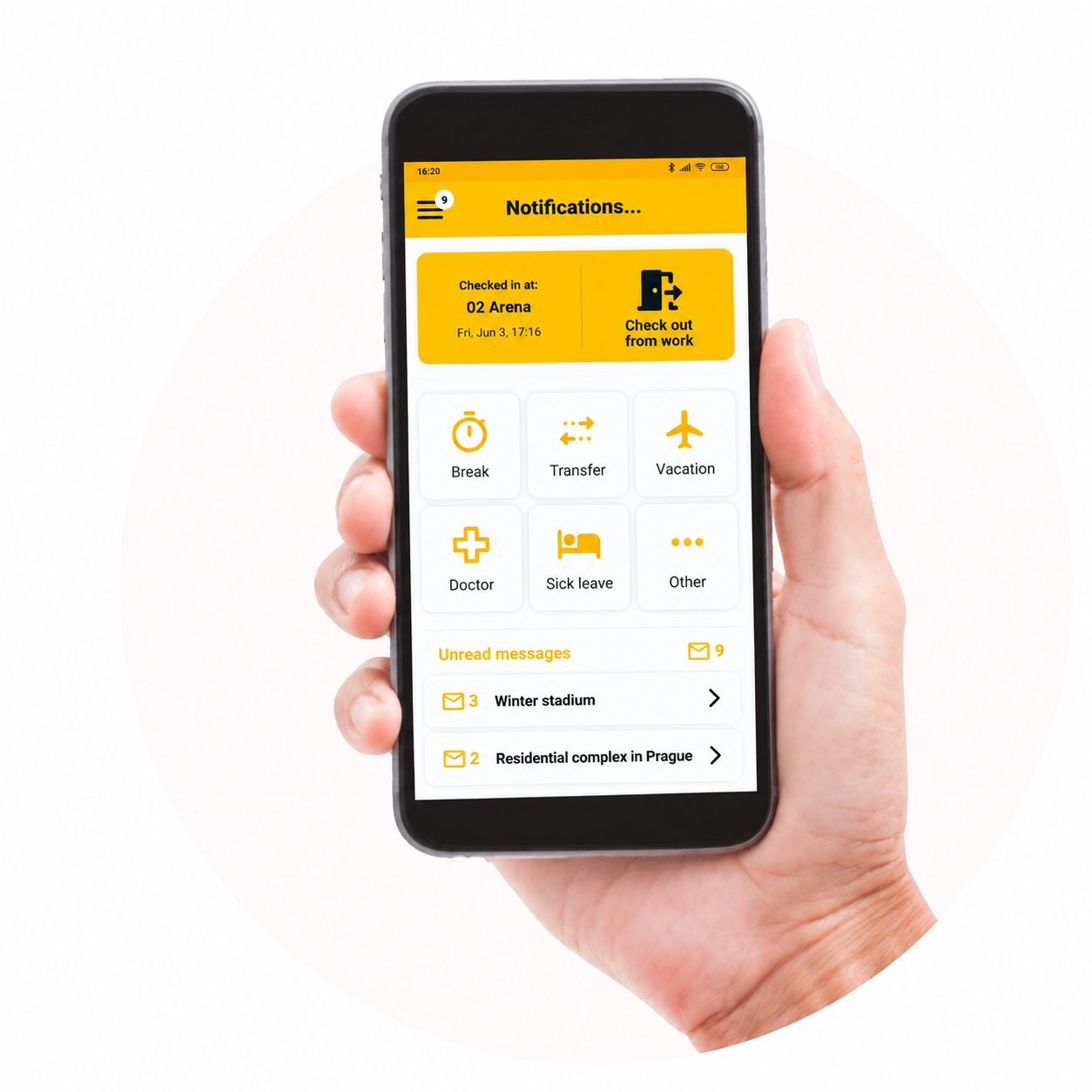
Look at the actions that need to happen on site. Clocking in. Opening a task. Taking a photograph.
Adding information. Checking a document. Recording an issue. Finding project details.
If those actions are awkward on a phone, people will postpone them. Postponed information usually becomes reconstructed information. A photograph gets uploaded later. A note is written from memory.
Attendance is corrected on Friday. The office receives project information after the moment when it was most useful. The best time to capture site information is usually when it happens. That makes mobile usability a data-quality issue, not merely a convenience feature.
AI is useful only if it knows something about your project
AI is quickly becoming a standard item on software feature lists. That makes “includes AI” almost meaningless as a buying criterion. The useful question is what the AI can actually work with. A generic chatbot can answer a general construction question.
That may be convenient. It does not necessarily reduce project administration. The bigger opportunity appears when AI can work with information that already exists inside the construction system. Can it find project information?
Can users ask questions instead of searching through several screens? Can it work with tasks? Can it use real project photos as input for documentation? Can it extract structured information from documents?
Can people use voice when typing is inconvenient? These capabilities matter because they shorten the distance between the user and the data.
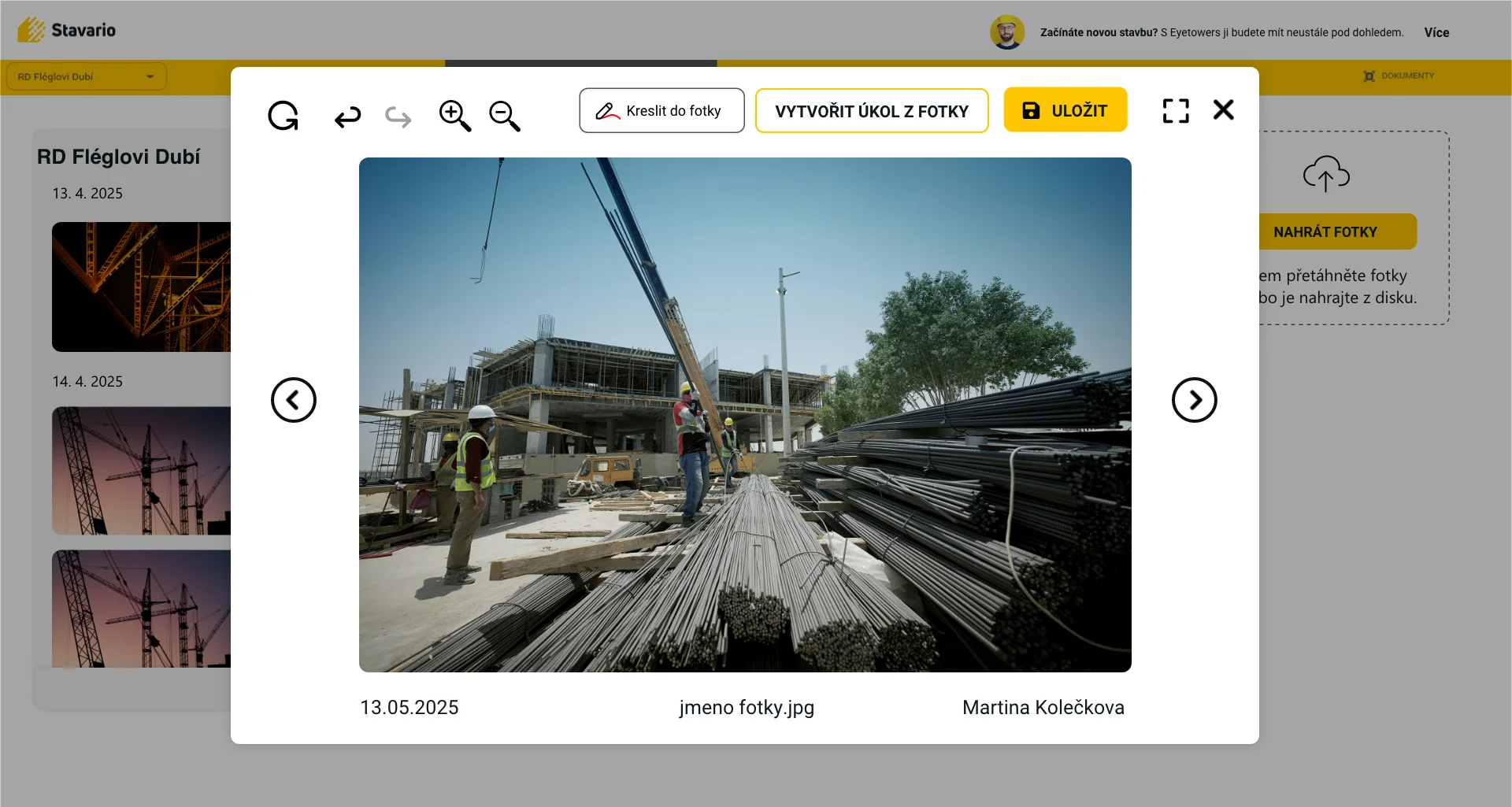
In Stavario, AI works across the system rather than existing only as a separate chat window. Users can communicate with it by voice, ask for information, work with tasks and other system data, create construction log content from photographs and extract information from invoices.
The interesting part is not the word AI. It is that the user does not have to manually navigate every step of the same workflow. That is the standard to use when evaluating AI functionality. Ask what repeated action it removes.
If the answer is unclear, the AI may be impressive without being useful.
Think about the client or investor before they start calling
Construction management software is often evaluated from two perspectives. The field. And the office. There is frequently a third person involved.
The client or investor. Without structured access to project information, they usually create their own reporting process. Phone calls. Emails.
Messages asking for photographs. Requests for progress updates. None of those requests is unreasonable. The client has money and expectations tied to the project.
The question is whether every update has to interrupt the people managing the construction. For some contractors, a dedicated investor view can remove a surprising amount of communication overhead. The investor does not need the same system as the site manager. They do not need internal tasks, employee attendance or every operational detail.
They need the relevant view of their project. This is another example of why roles matter. One project. Different people.
Different information. A good system should be able to respect those differences without creating several disconnected versions of the same project.
Integrations matter, but only after the core workflow works
Software buyers often ask about integrations very early. Can it connect to accounting? CRM? Other business systems?
This is a valid question, especially as the company grows. But an integration does not repair a bad core workflow. If site information is unreliable, sending it automatically into another system simply moves unreliable information faster. First make sure the operational foundation works.
Projects are structured correctly. People actually use attendance. Tasks are updated. Documents and photos reach the right project.
The construction log is maintained. Assets and materials are recorded at a useful level. Then integrations become powerful because they connect reliable processes instead of disconnected workarounds. For a smaller contractor, this order matters.
The company should not select construction software only because it connects with twenty other products. It should first ask whether the software solves the work happening between the jobsite and office every day.
A good demonstration should use your mess, not their perfect project
Software demonstrations are usually designed to make the product look easy. The example project is clean. Tasks are up to date. Documents are neatly organised.
Every user behaves correctly. Real construction companies are not like that. Before a demonstration, prepare three or four actual scenarios from your business. For example:
“On Monday we have six people on Project A. Two move to Project B after lunch. How would that be recorded?” “We take fifty photographs during the week. Show us how somebody finds the right photo three months later.” “A site manager needs to write a construction log after a very busy day. Show us the shortest realistic process.” “One of our tools should be on Project C, but somebody moved it. How do we find the latest information?”
“A task is delayed and affects the programme. What does the office see?” “An investor wants to see progress without seeing internal company information. What happens?” Then ask the vendor to show those situations. Do not accept a slide explaining that the software can theoretically do it.
Use the interface. Count the steps. Look at who needs to enter the data. Consider whether that person will actually do it on a Tuesday afternoon.
This will tell you more than a long feature comparison.
The real price includes administration
Subscription price matters. It should. But the cheapest software is not always the cheapest system to operate. If a cheaper tool requires employees to duplicate information, manually export data, correct records and maintain several parallel applications, the subscription represents only part of the cost.
The same applies to overly complex software. A powerful platform may have excellent functionality but require so much configuration and training that a smaller contractor never uses enough of it to justify the operational burden. When evaluating cost, consider three things. What does the software itself cost?
What other tools can it realistically replace? How much work is required to keep its data useful? The last question is frequently overlooked. Ten minutes of unnecessary administration repeated by ten people every working day becomes a significant amount of time over a year.
Software should justify itself not through the number of buttons it offers but through the repeated work it removes.
How Stavario approaches this problem
Stavario is designed as a digital system for managing the entire construction process, connecting the jobsite with the office and the people who need visibility into the project. It works as a single construction management software environment rather than a set of separate tools.
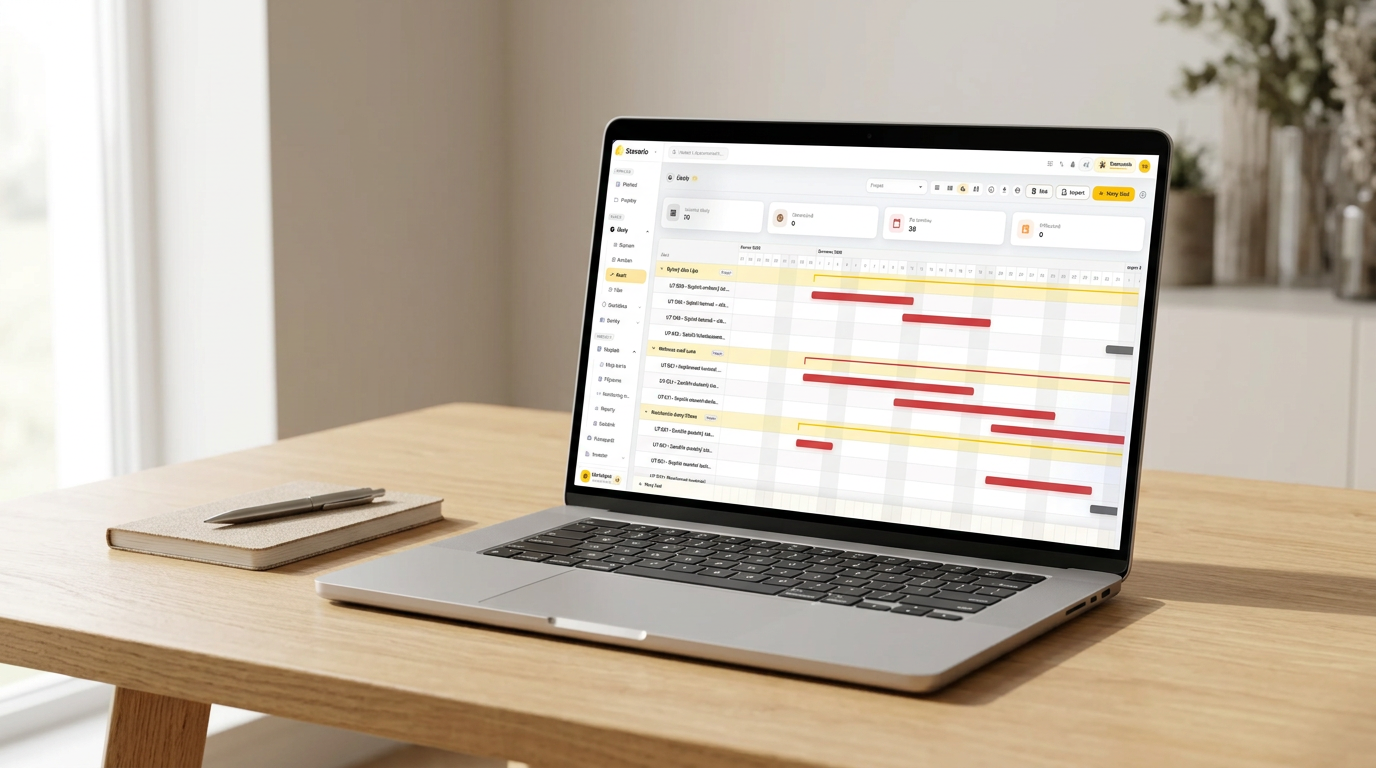
Instead of treating the construction log, attendance, tasks, photos, planning, assets, warehouses and reporting as isolated tools, these areas work in the context of the same projects. Scheduling is part of the same picture, as explained in the article on construction scheduling software.
People in the field can work with the parts relevant to day-to-day site operations. The office and management can use the information created there without rebuilding the project picture from separate sources. Investors can have their own view of the project. AI works across Stavario and can be used by voice as well as text. It can search information, work with system data and tasks, create construction log content from photographs and extract information from invoices.
The important idea is not that every contractor has to switch on every module. The system can grow with the company. A business can start with the areas where repeated administration hurts most and extend the workflow as its needs develop. That is particularly relevant for smaller and mid-sized contractors.
They need enough structure to stop managing the company through fragmented information. They do not need software to become another full-time job.
Do not test every feature. Test one real working day.
Put one active project into Stavario and follow the information from the jobsite to the office. Attendance, tasks, photos, documentation and project overview should reduce repeated work rather than create another place to enter it.
Use a one-week test instead of a feature checklist
If you are seriously considering construction management software, select one real project. Not a demo project. A real one. For one week, use the system for the information that already moves through the company.
Let workers record attendance. Create real tasks. Upload real photographs. Use actual project documents.
Ask the site manager to record the day. Let the office check the project without asking for a separate update. If relevant, let management review several projects and let an investor see the information intended for them. At the end of the week, do not ask:
“How many features did we use?” Ask: Which calls did we no longer need to make? Which information did we enter only once?
What did the office know without asking the site? What did the site find without calling the office? Which part felt like extra administration? What did people stop using after two days?
Those answers are far more valuable than a comparison spreadsheet. The right construction management software should make the company feel less dependent on individual memory. Information should survive when a person is busy, on holiday or managing another job. The office should not need to chase the site for everything.
The site should not need to search through several channels. And management should not have to reconstruct the state of the company project by project. That is the real standard. Not how much software you bought.
How much unnecessary coordination you removed.
Test Stavario on a real project
Choose one active job and use Stavario for the information your team already creates every day. After one week, compare how many calls, messages and duplicate entries were still necessary.
Frequently asked questions

Josef Beneš
CEO Stavario
20+ years of experience in construction